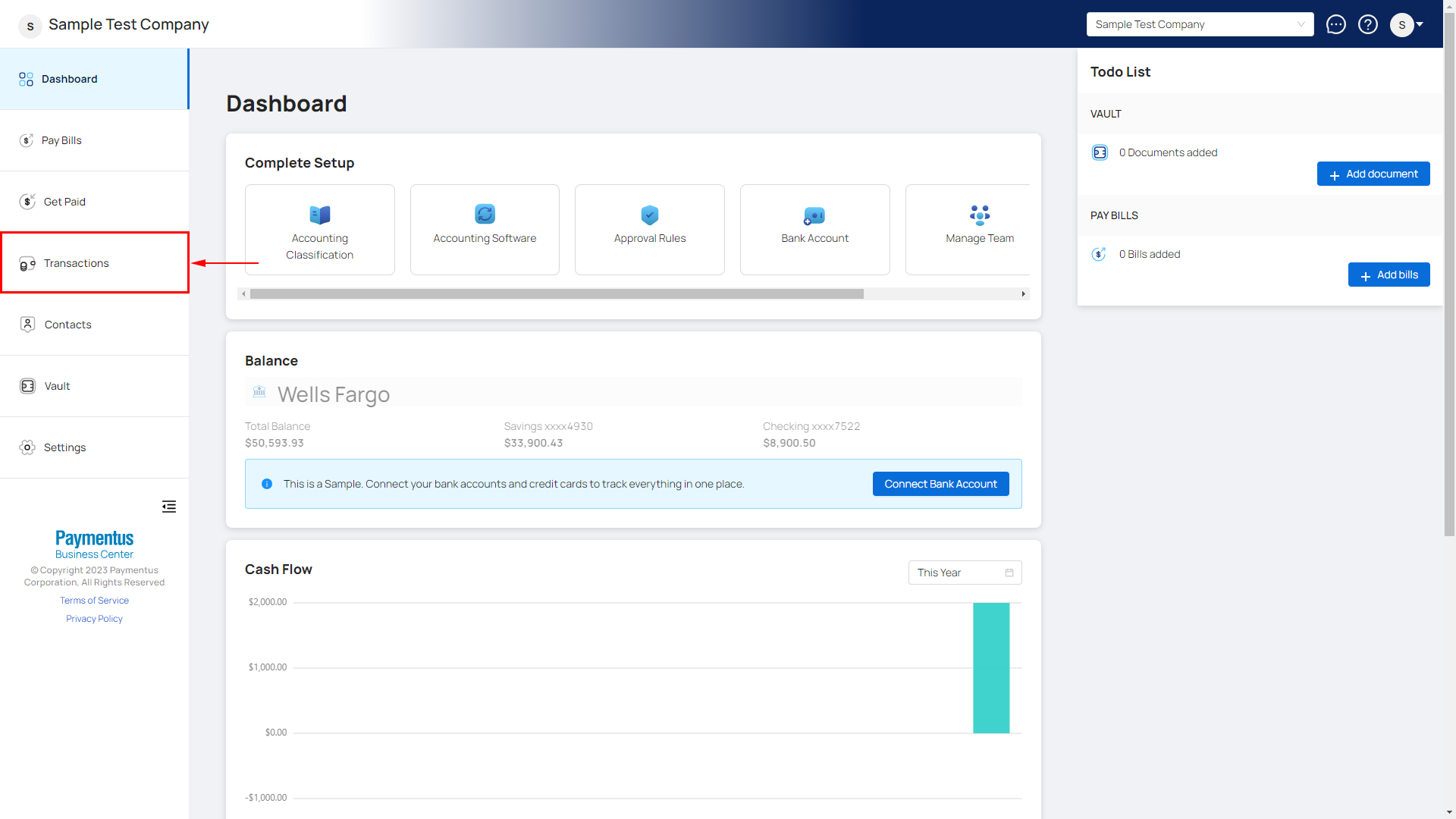
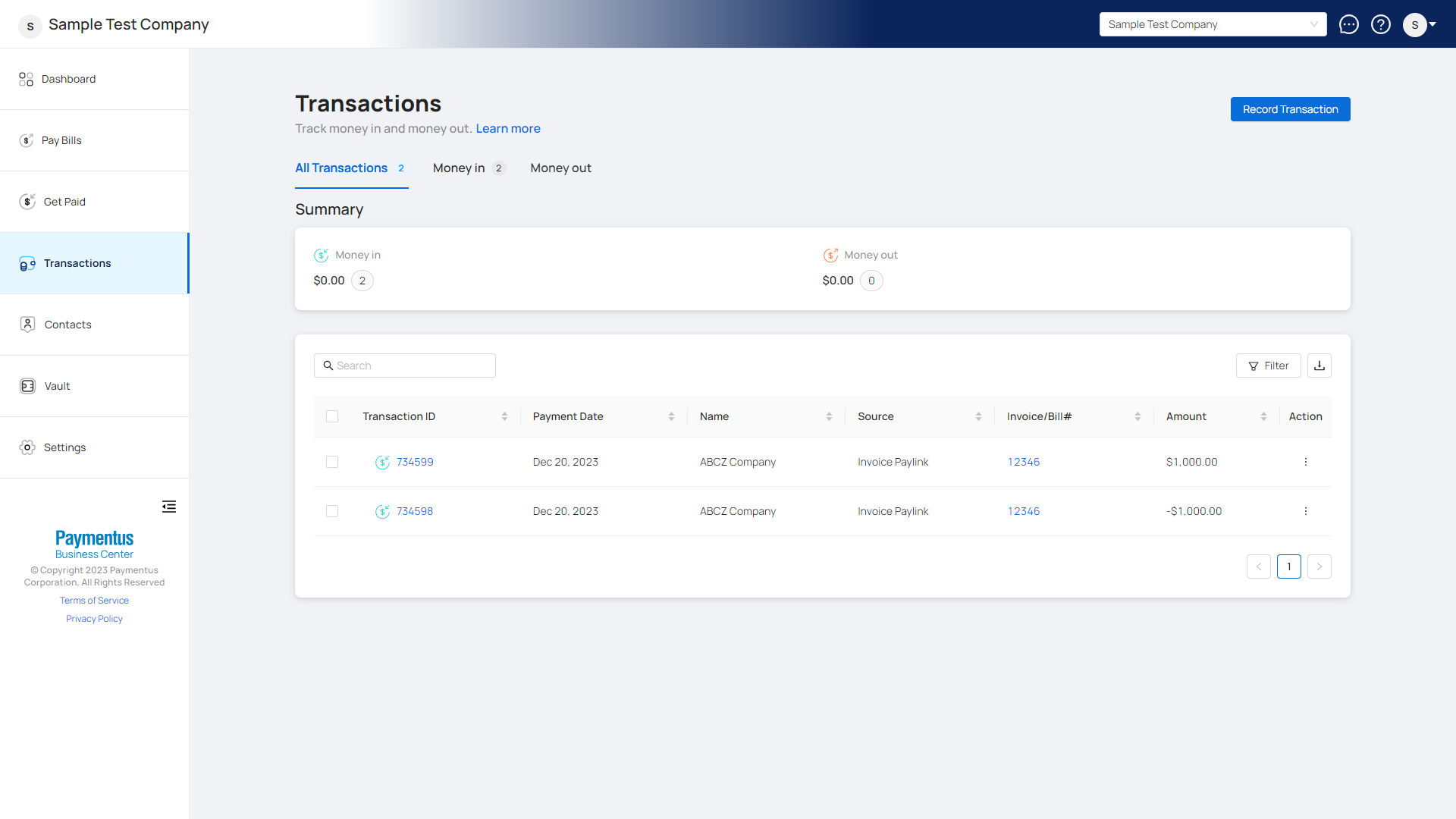
- Click on Transactions from the left side nav menu.
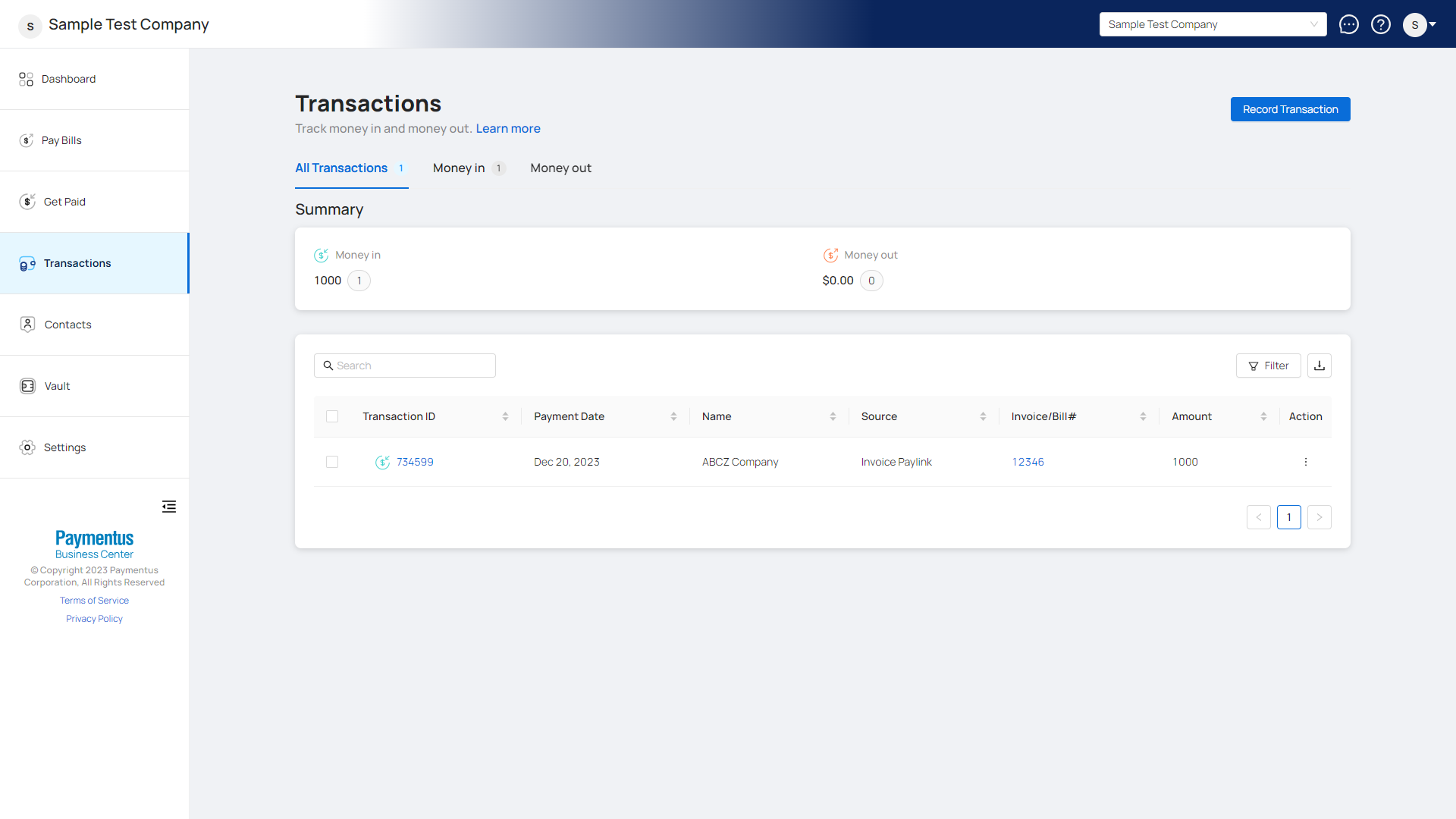
- Locate the transaction you want to refund.
- Click on the
 button under the Action column.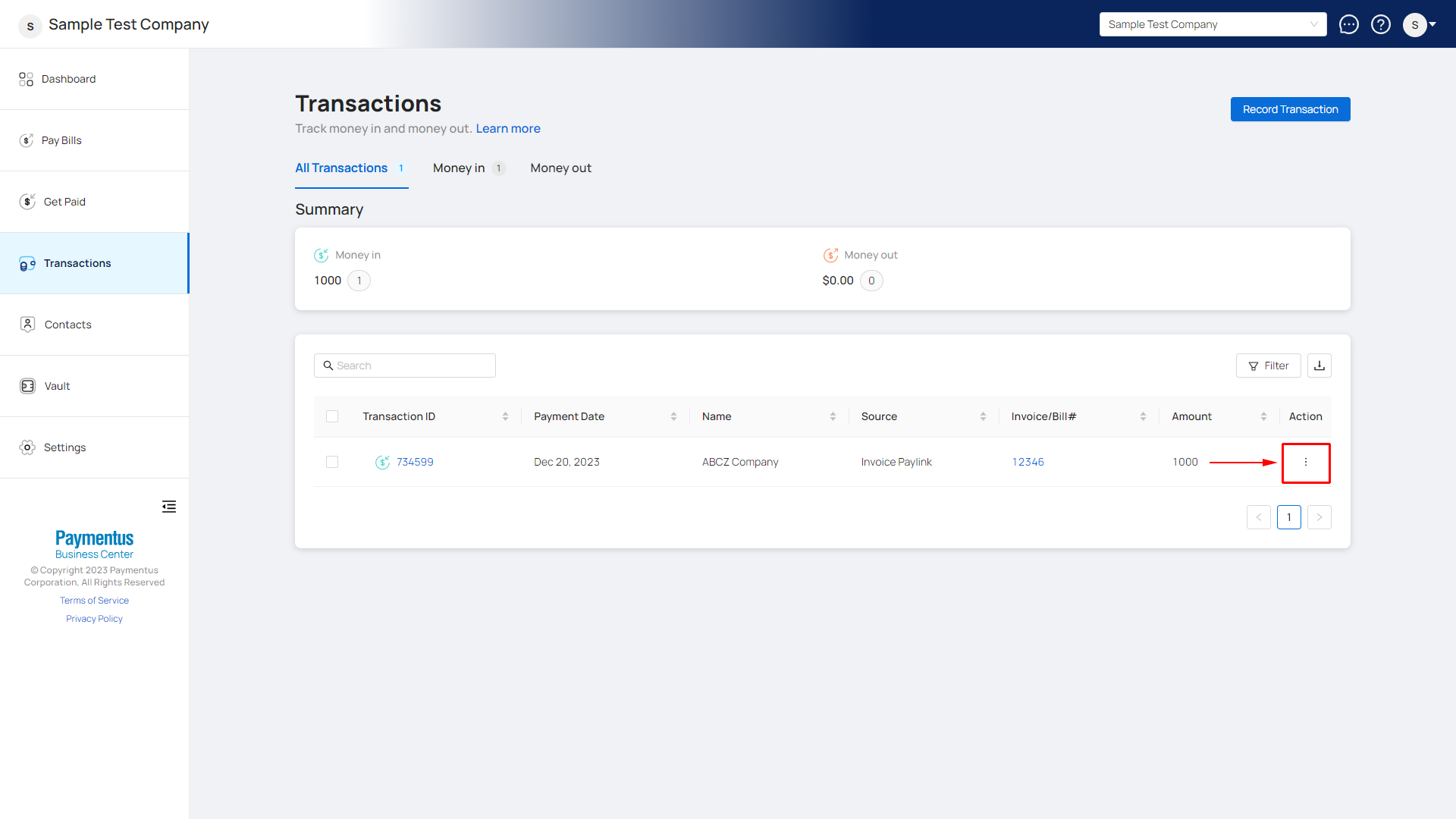
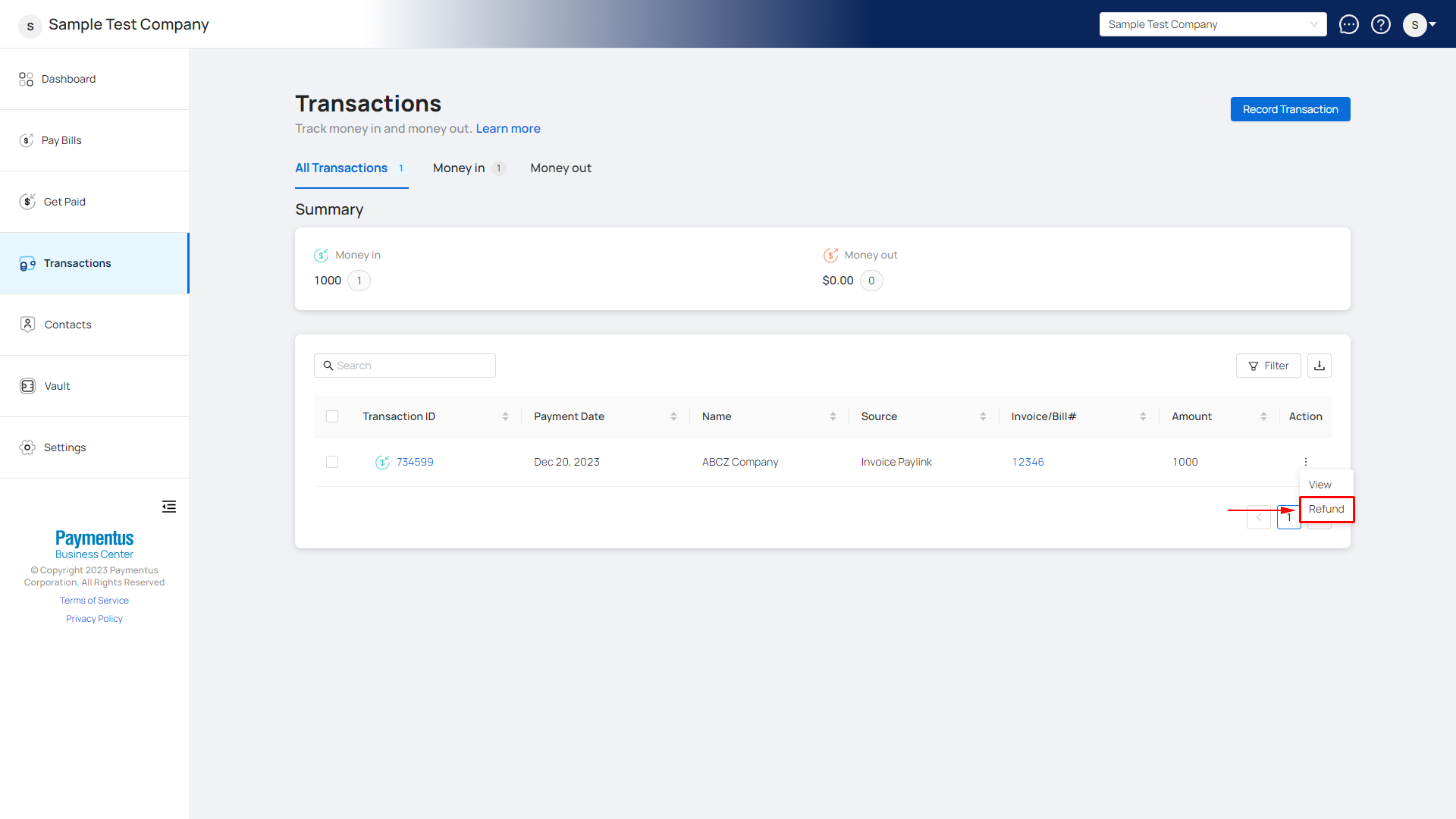
- Select Refund.
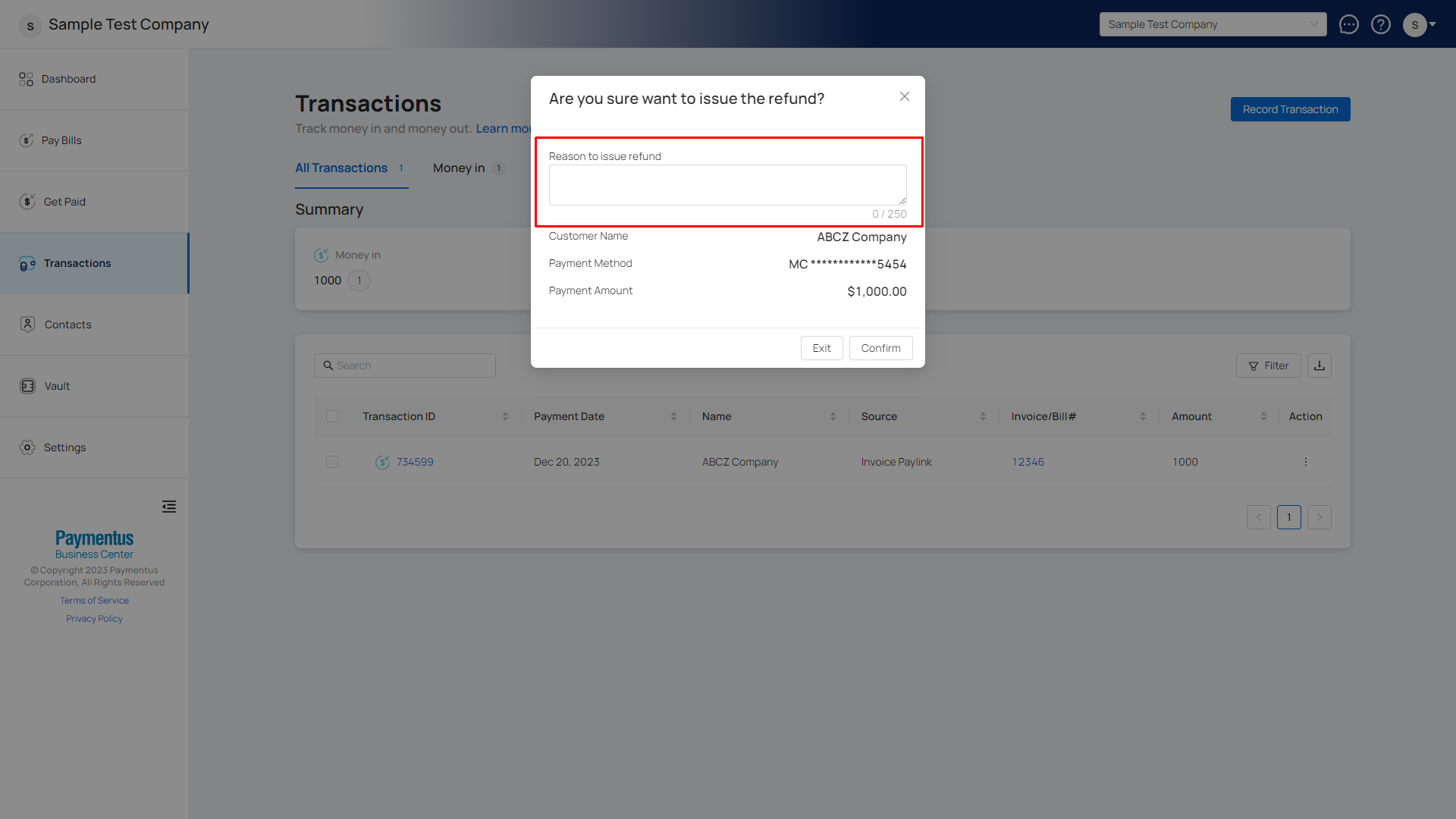
- Provide the reason for the refund.
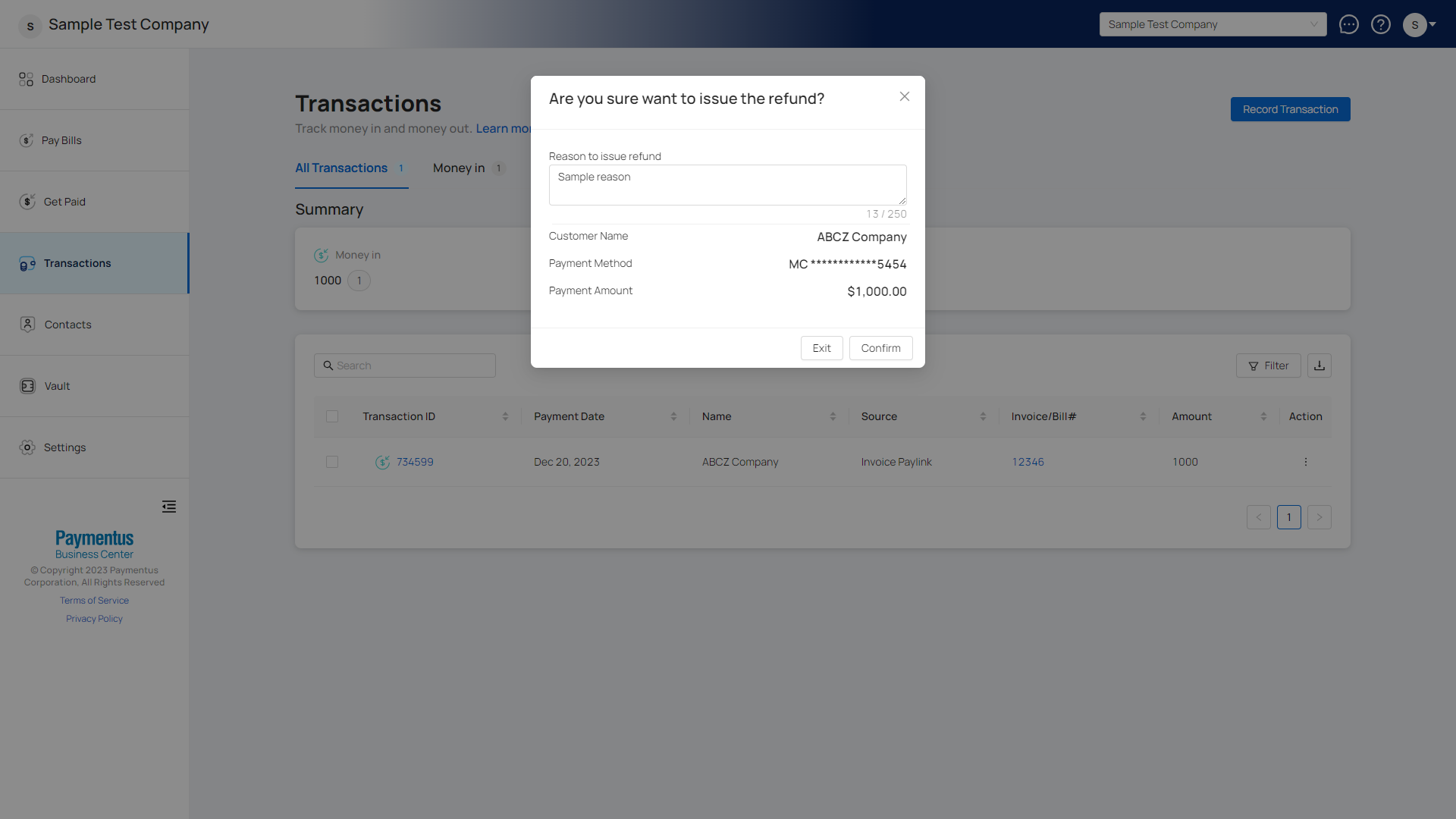
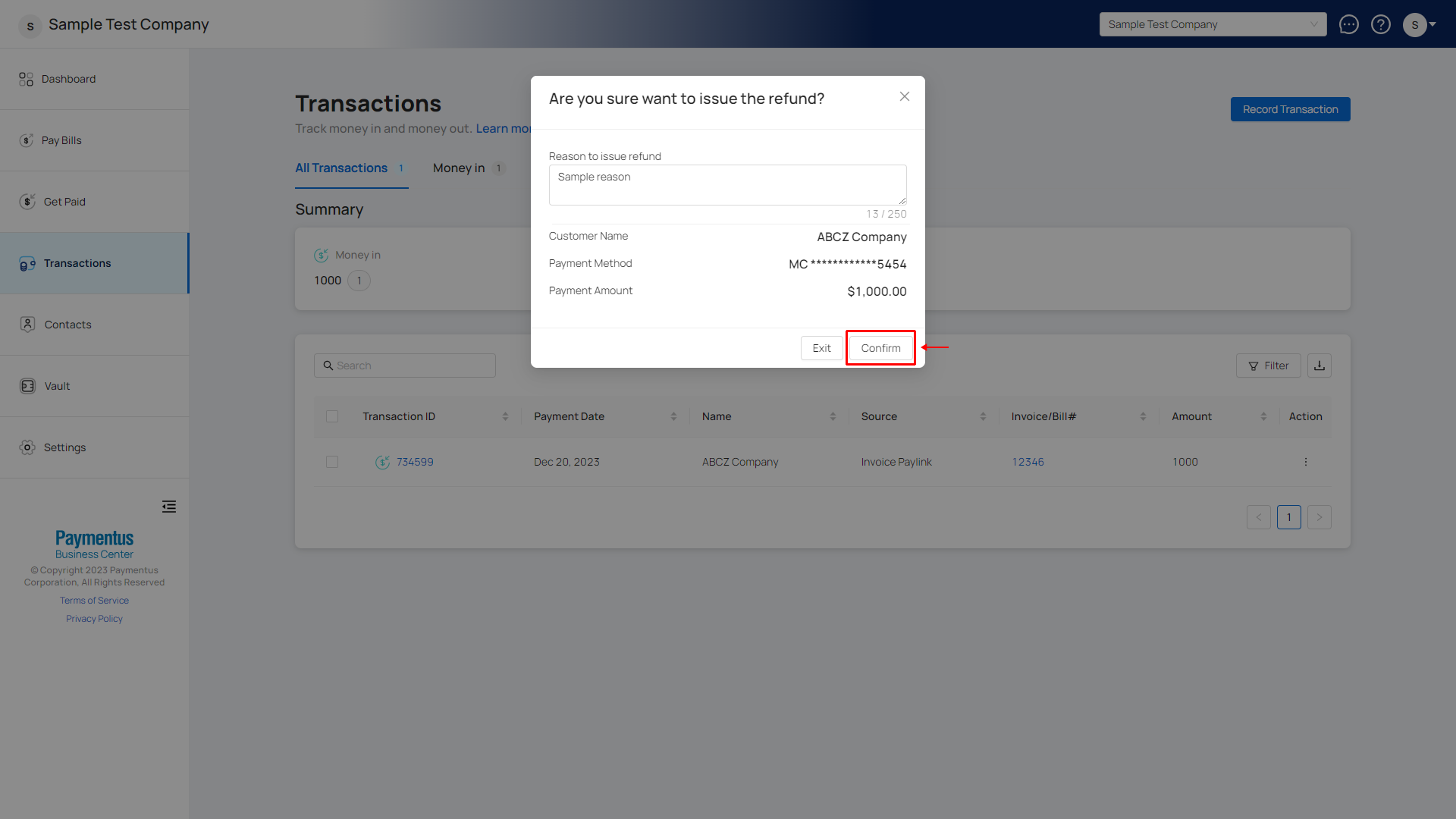
- Click Confirm to complete the refund process.
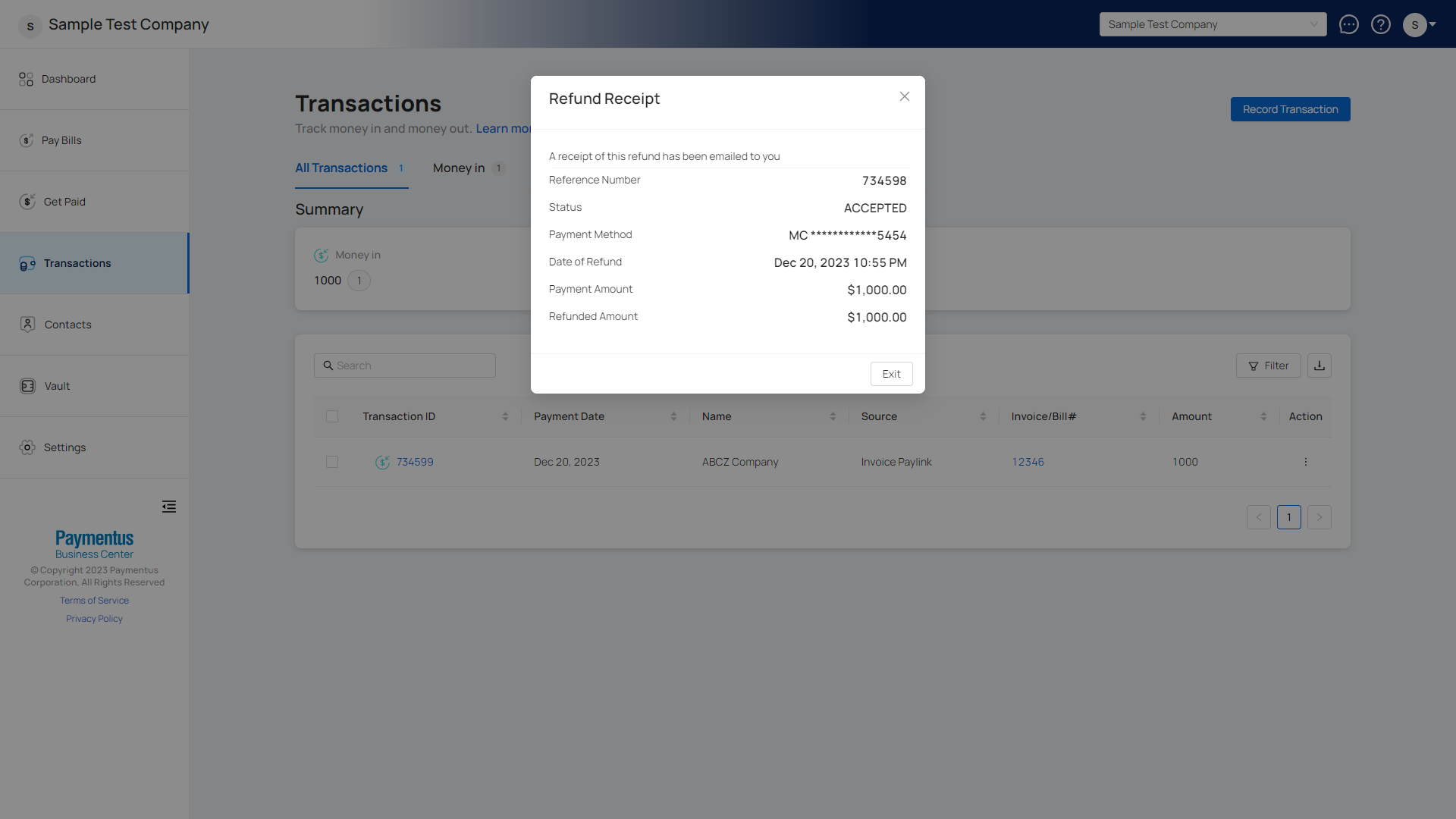
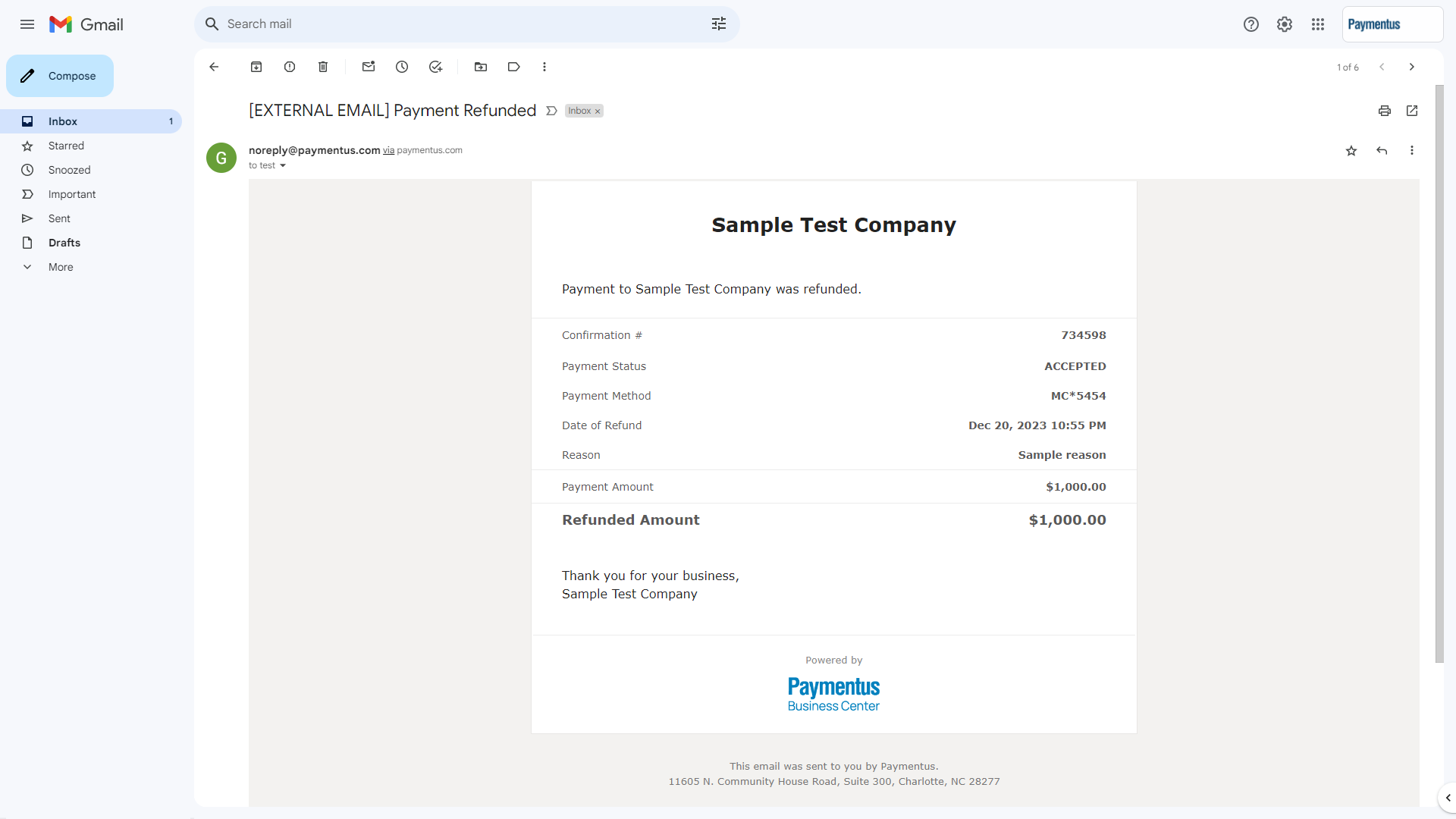
- A receipt of the refund will be emailed as a confirmation.
Comments
0 comments
Please sign in to leave a comment.