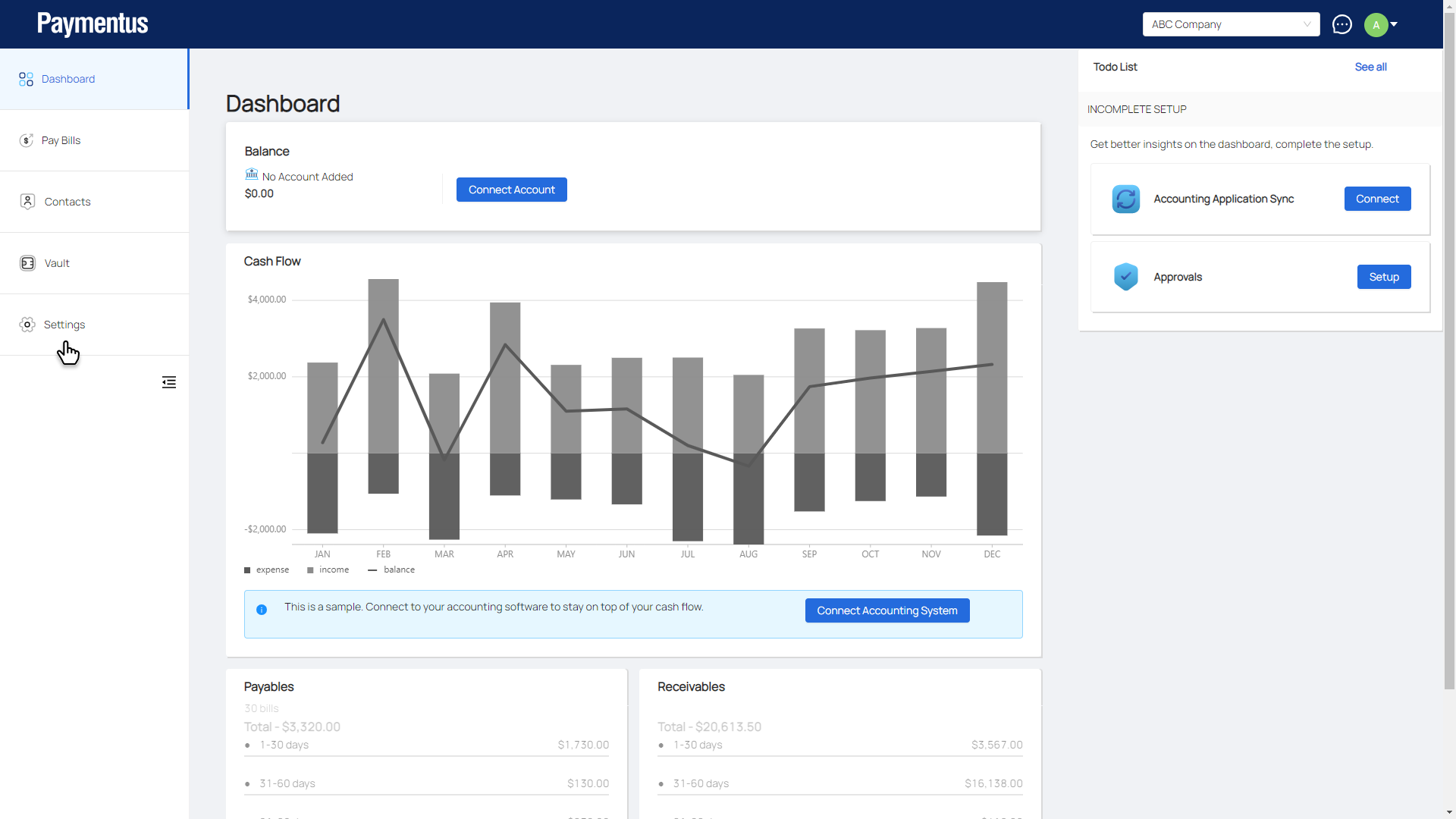
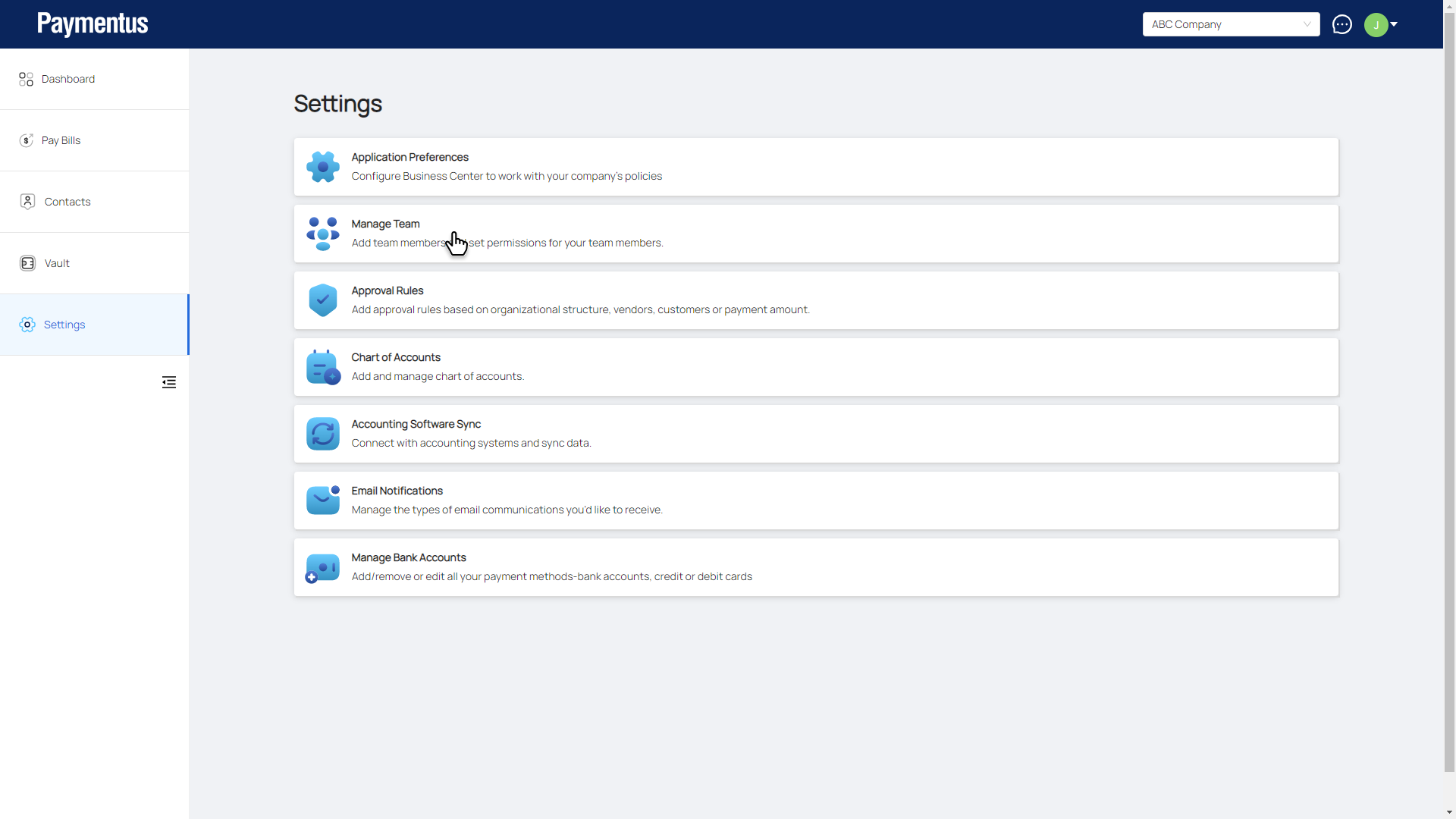
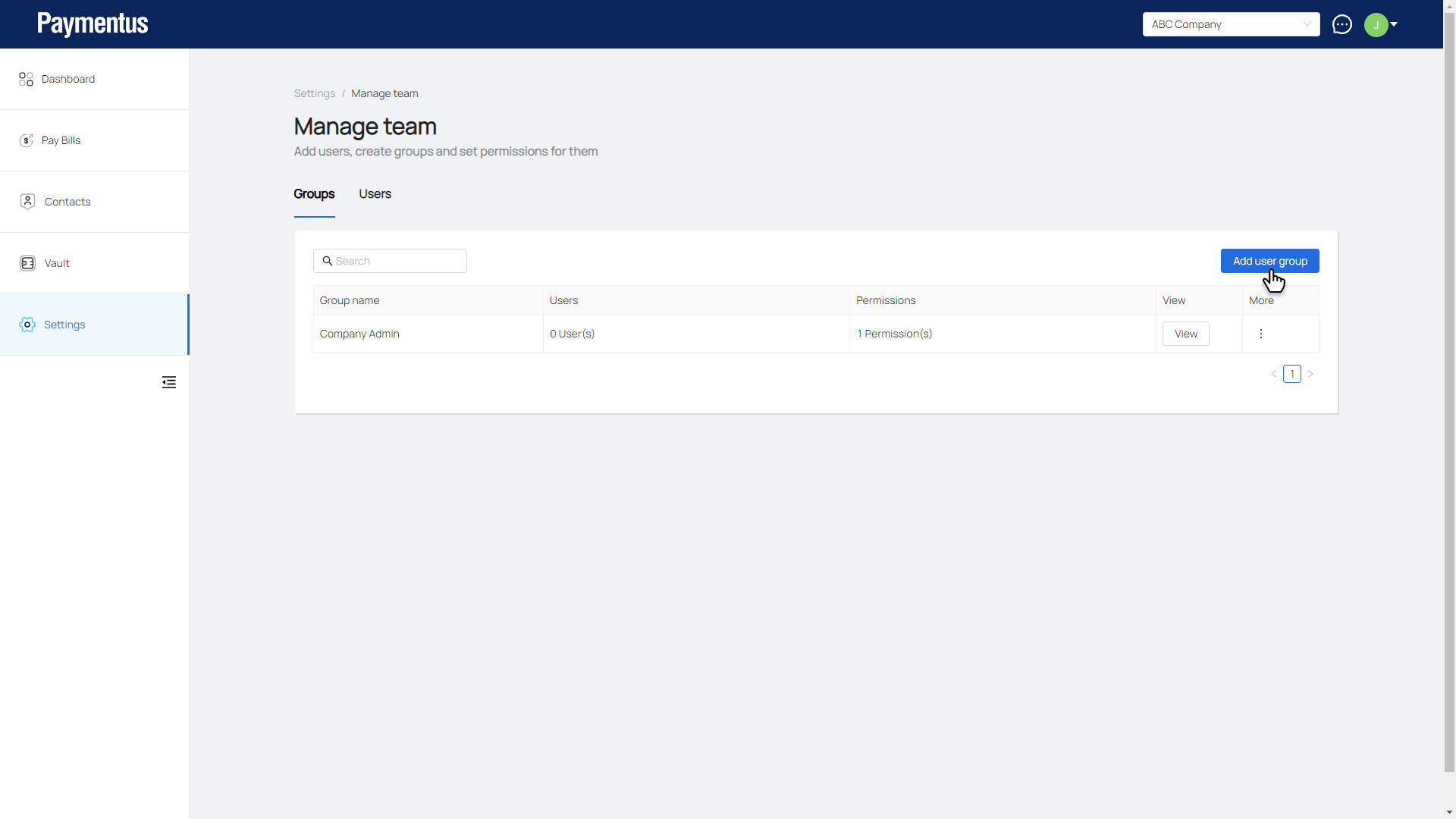
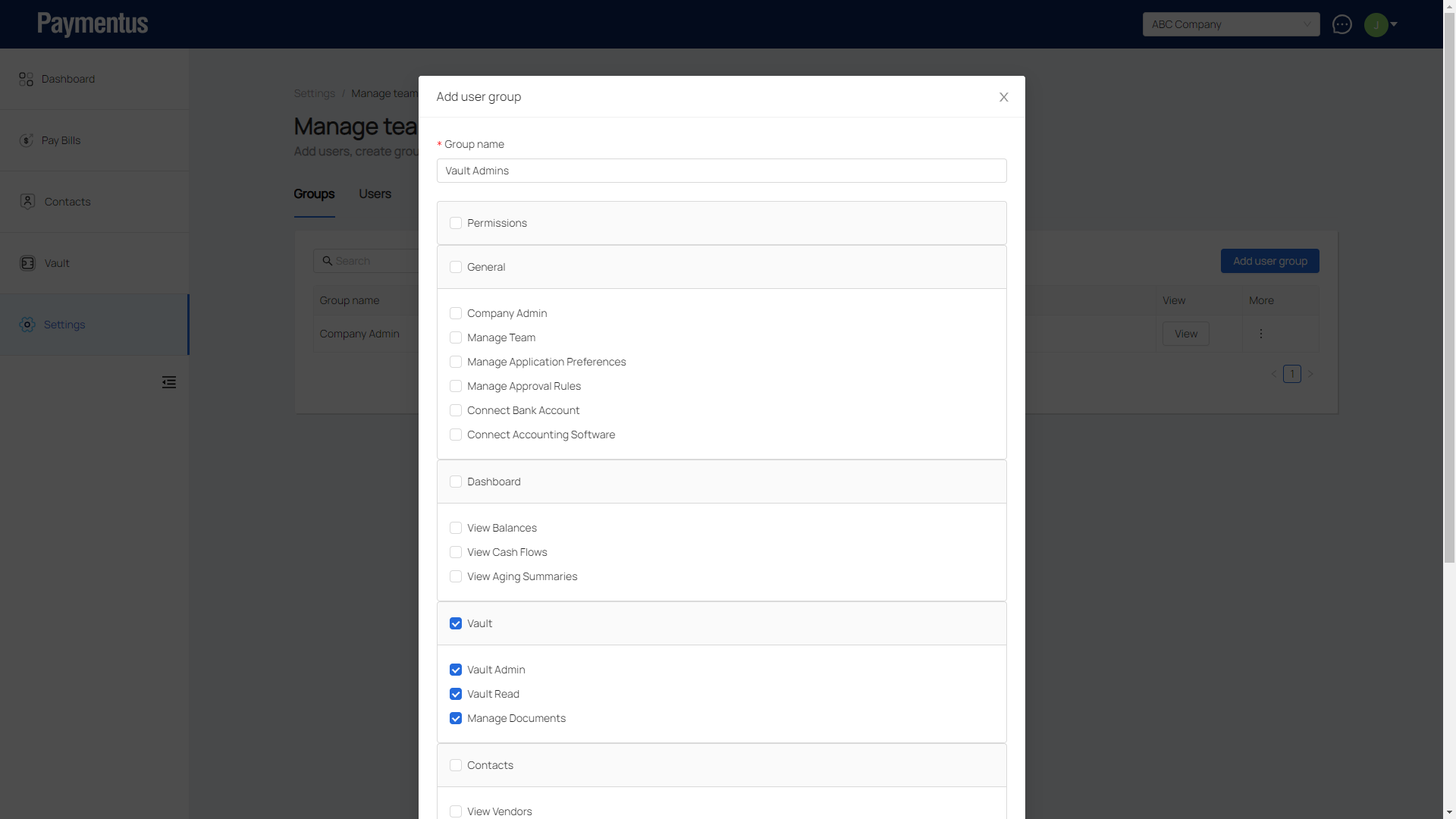
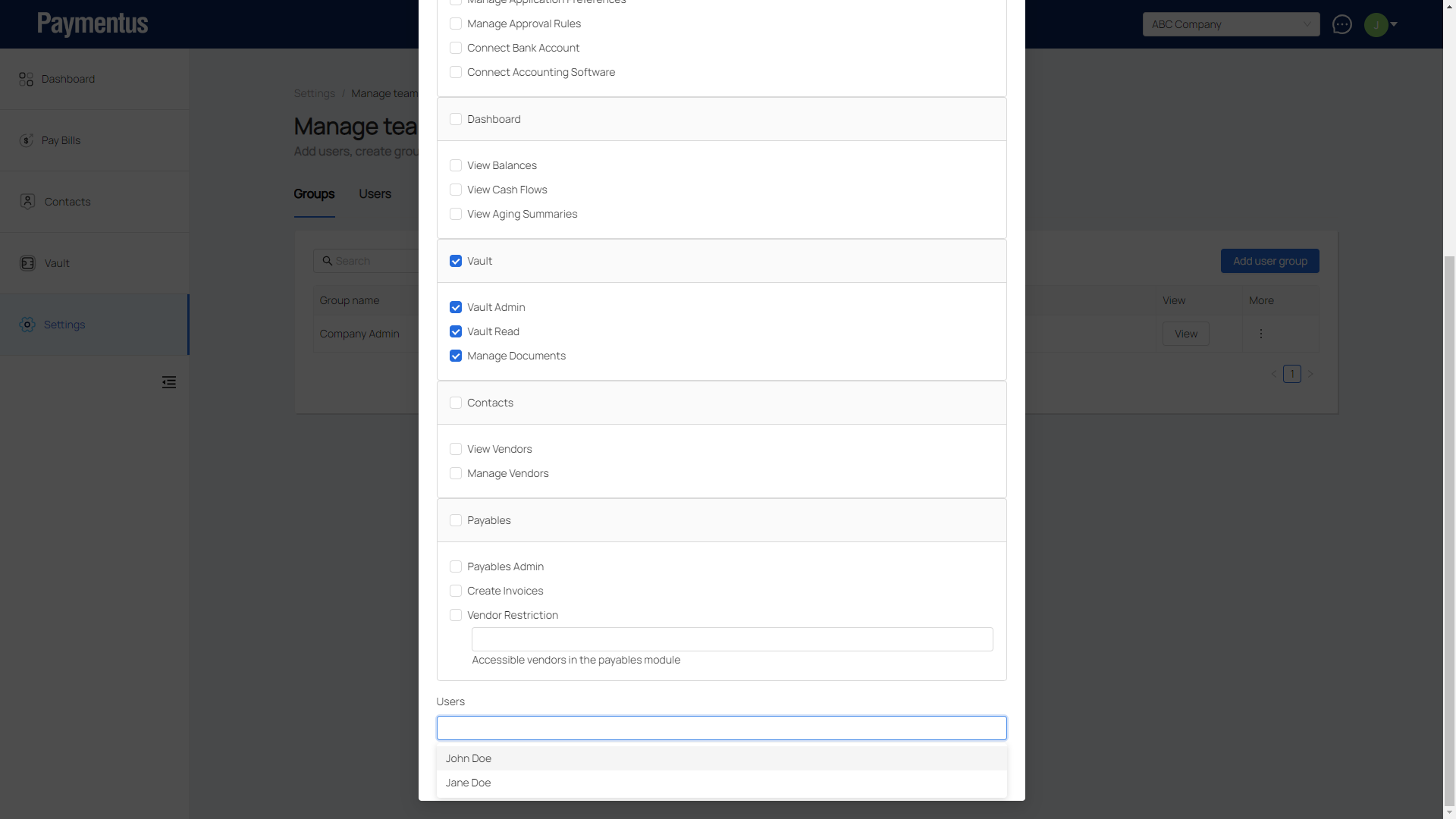
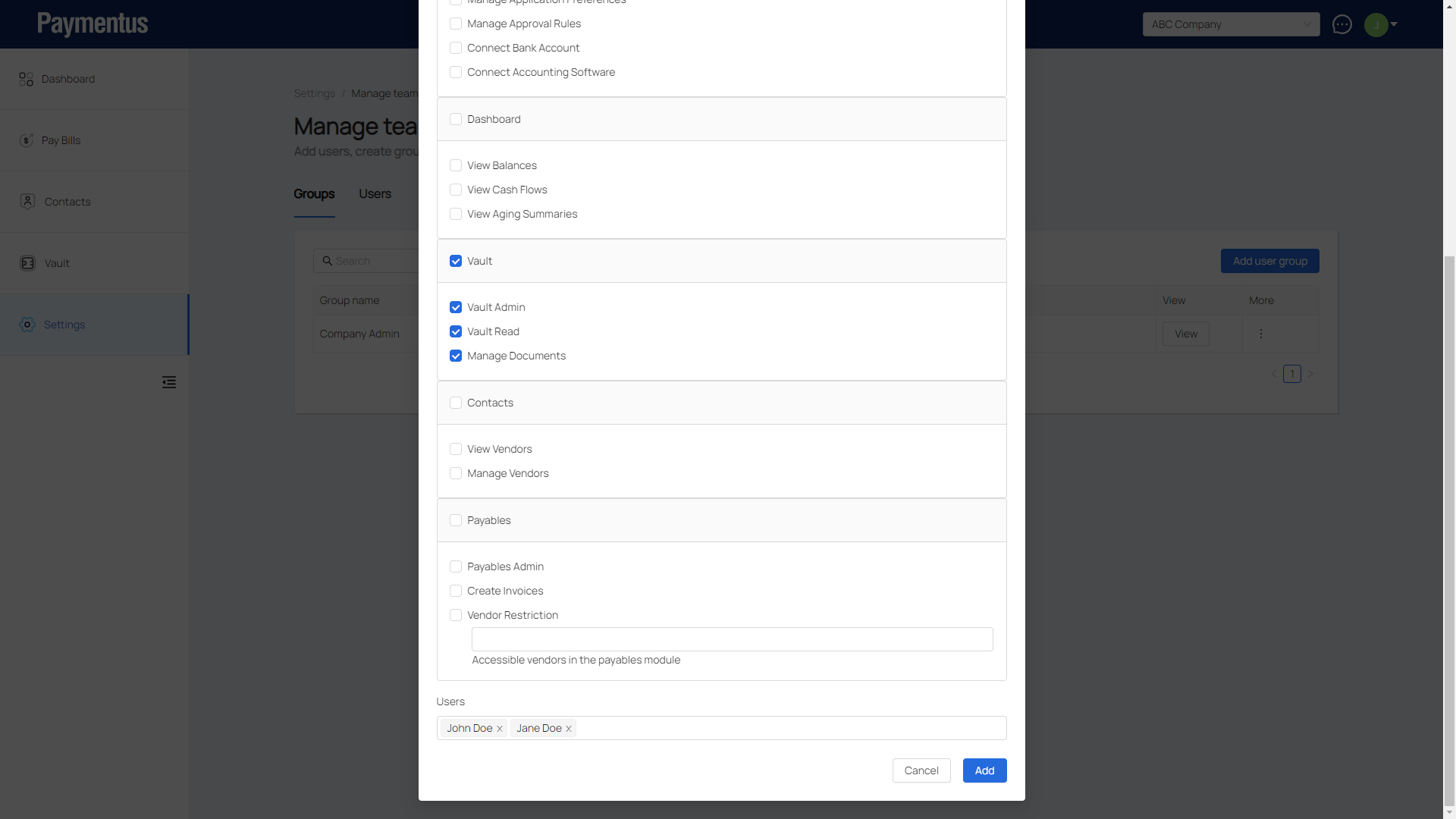
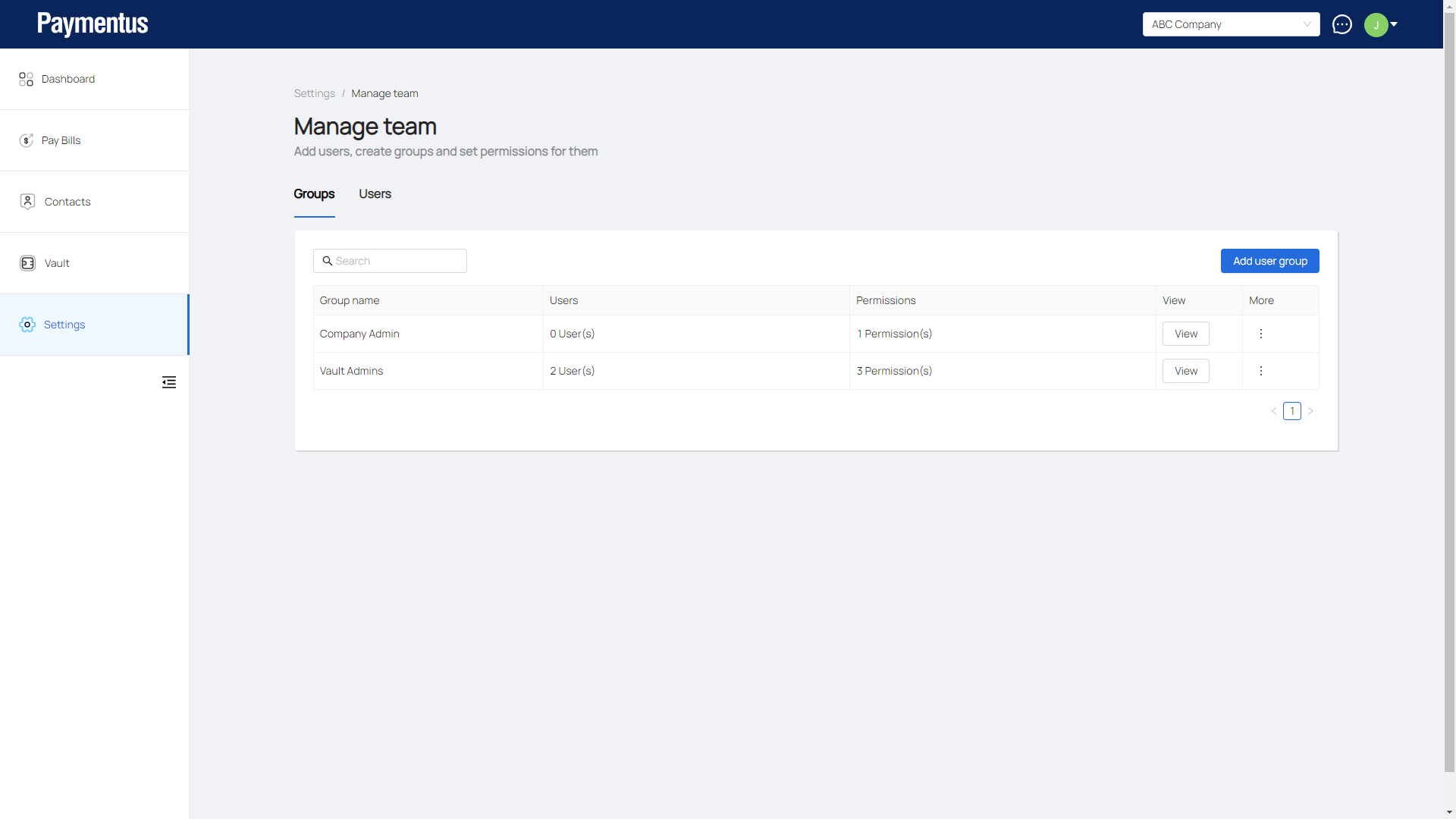
[Manage Team] How do I add a group? July 29, 2025 15:26 Updated Click on Settings.Click on Manage Team.Click on Add user group.Enter the name of this group and select the permissions it will have.Select the user(s) to be added to this group.Click Add.Group is added. Related articles [Manage Team] What are the different user groups? Comments 0 comments Please sign in to leave a comment.
Comments
0 comments
Please sign in to leave a comment.