If you want to add a company to the Application, go to the Preferences screen in the Settings menu. You'll find a list of companies currently managed. You'll need to be a system administrator in order to access this feature.
How to add a new company
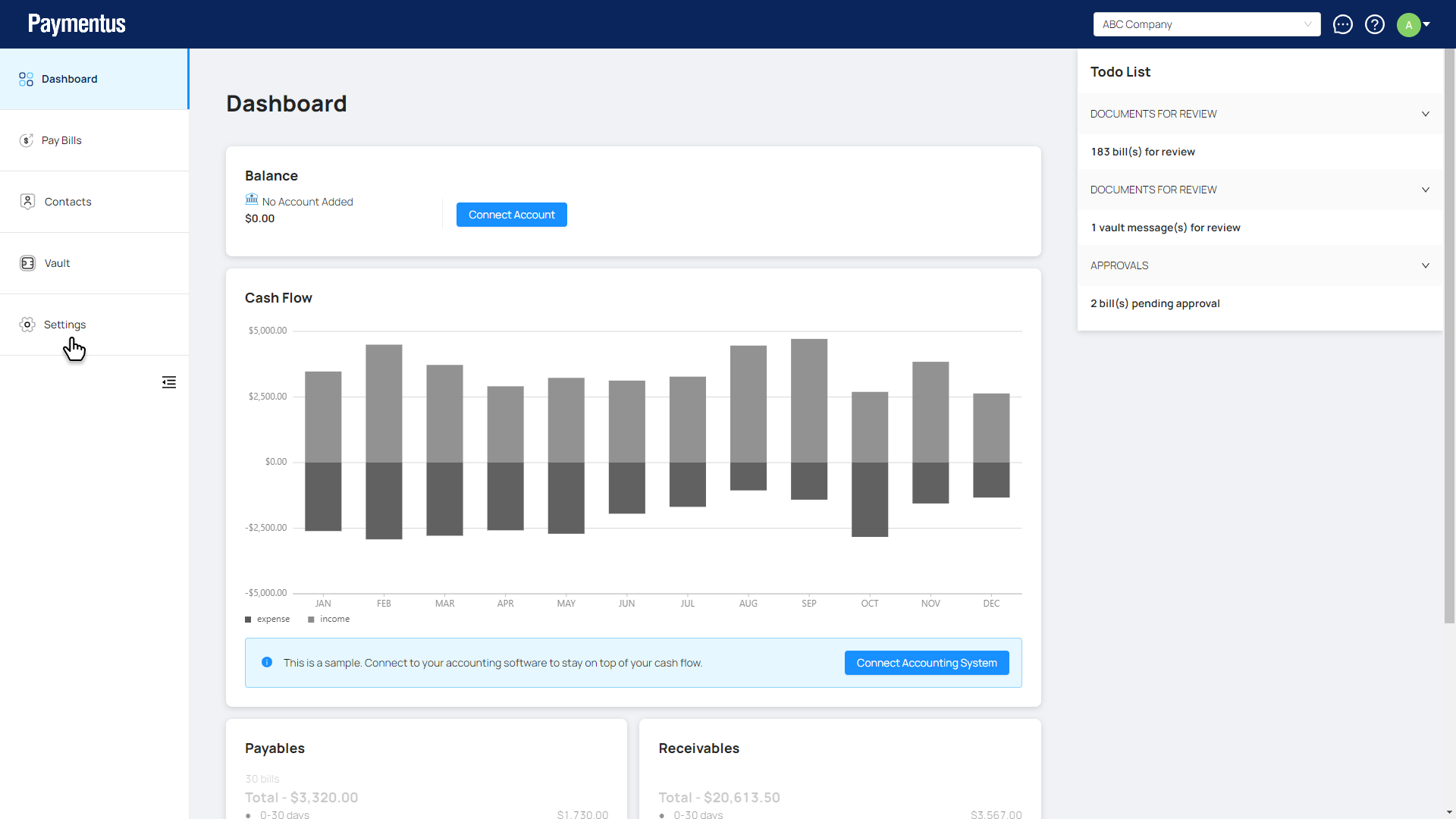
- Click on Settings.
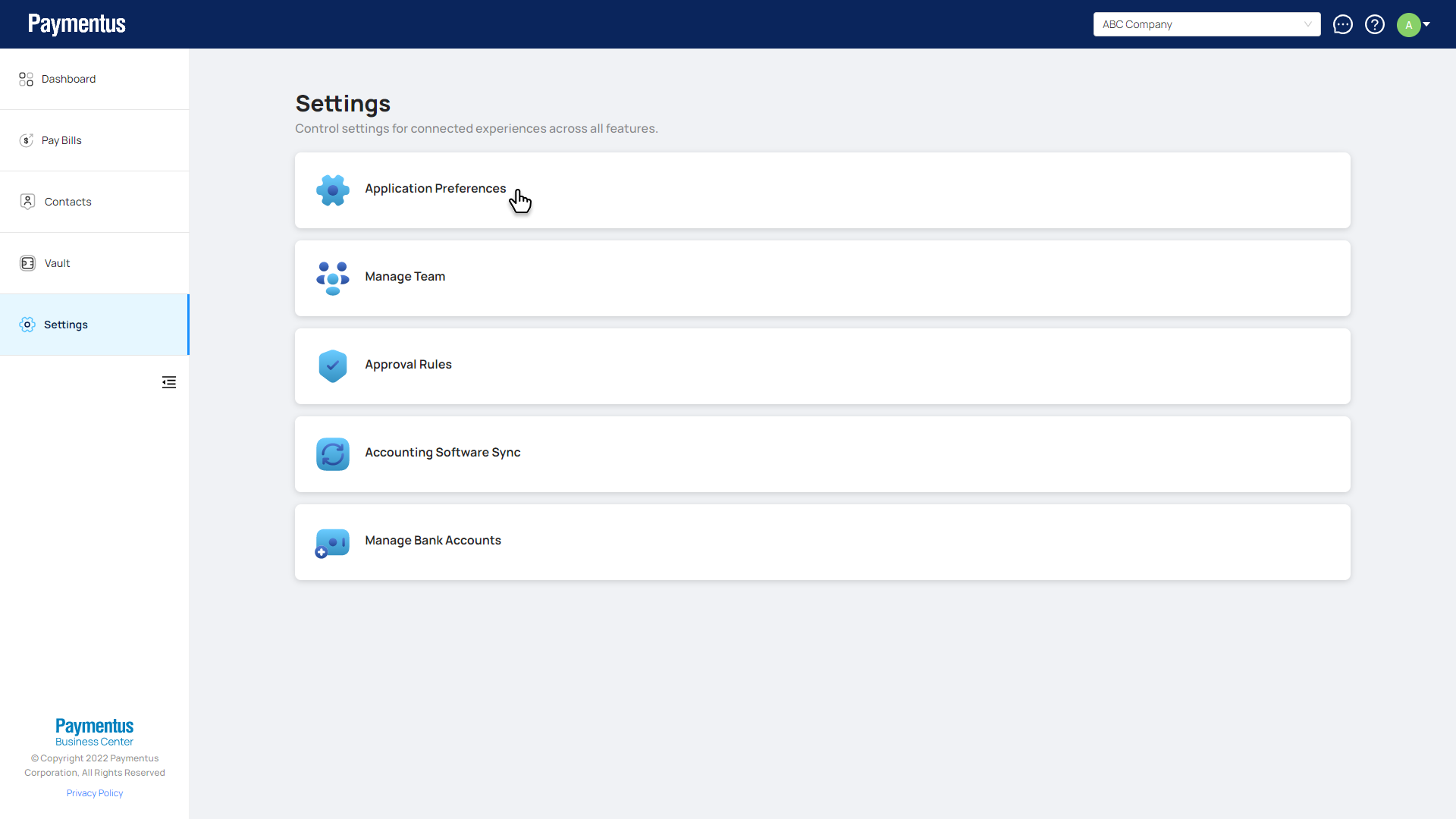
- Click on Application Preferences.
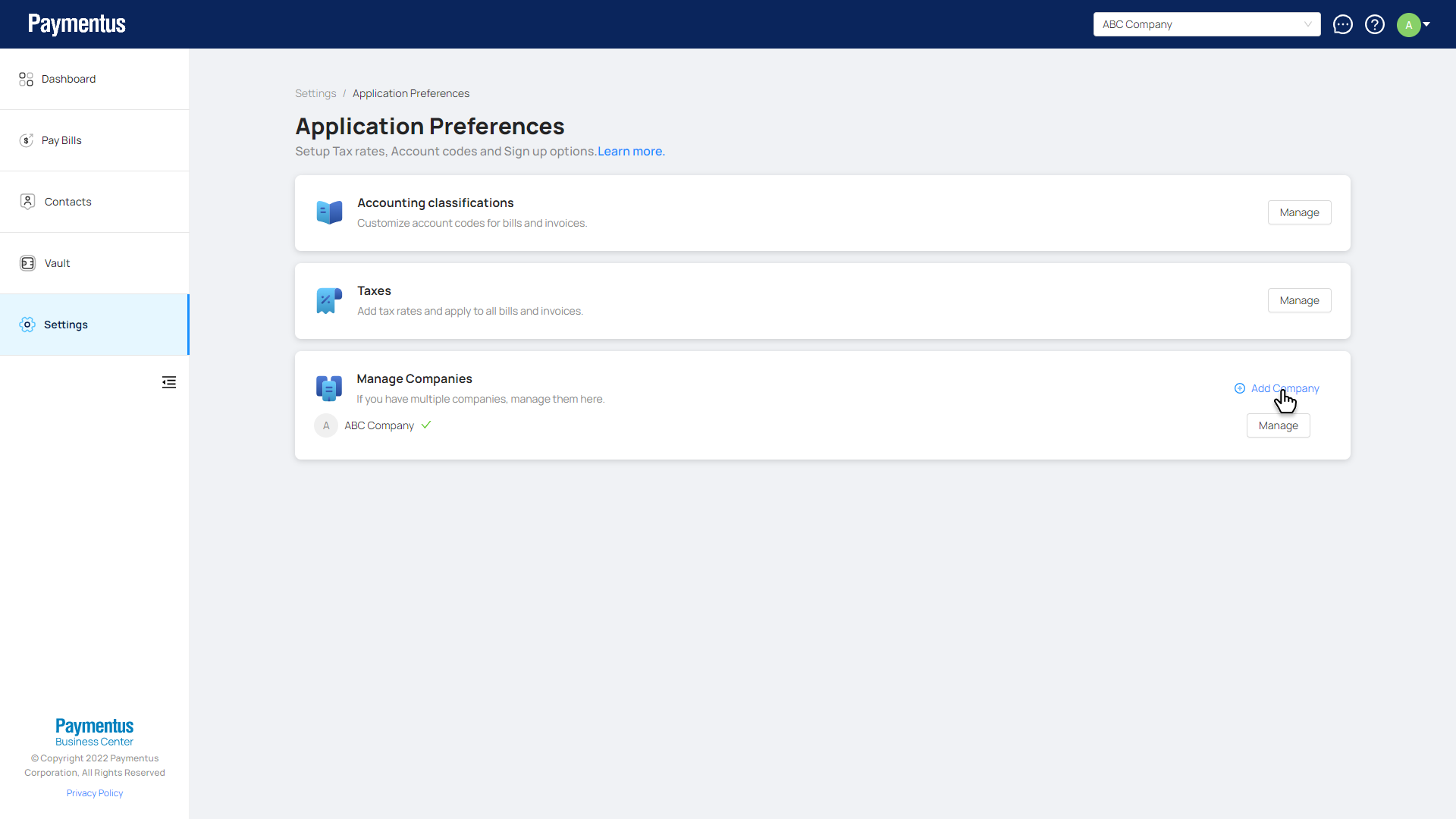
- On the Manage Companies card. Click Add company.
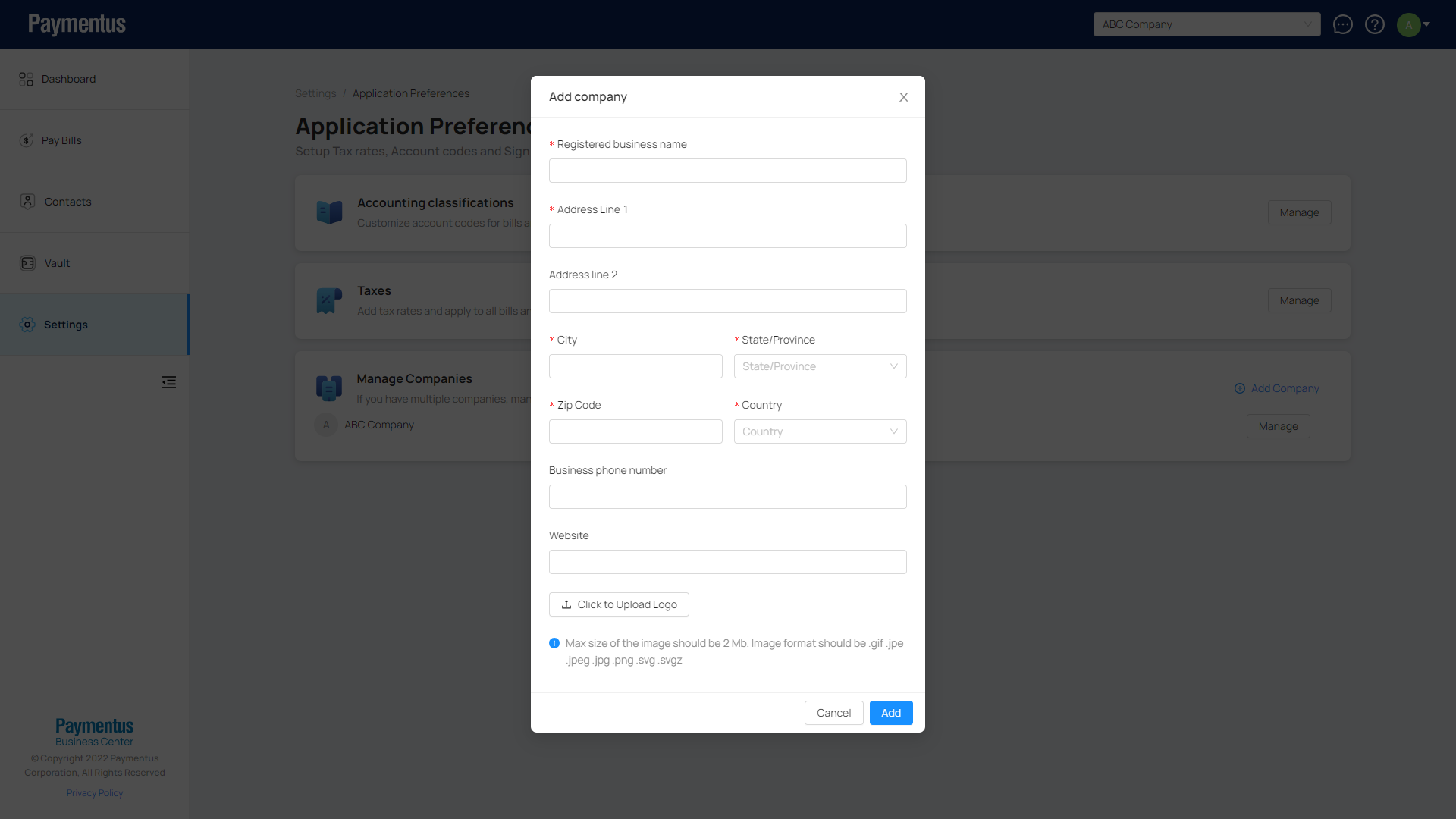
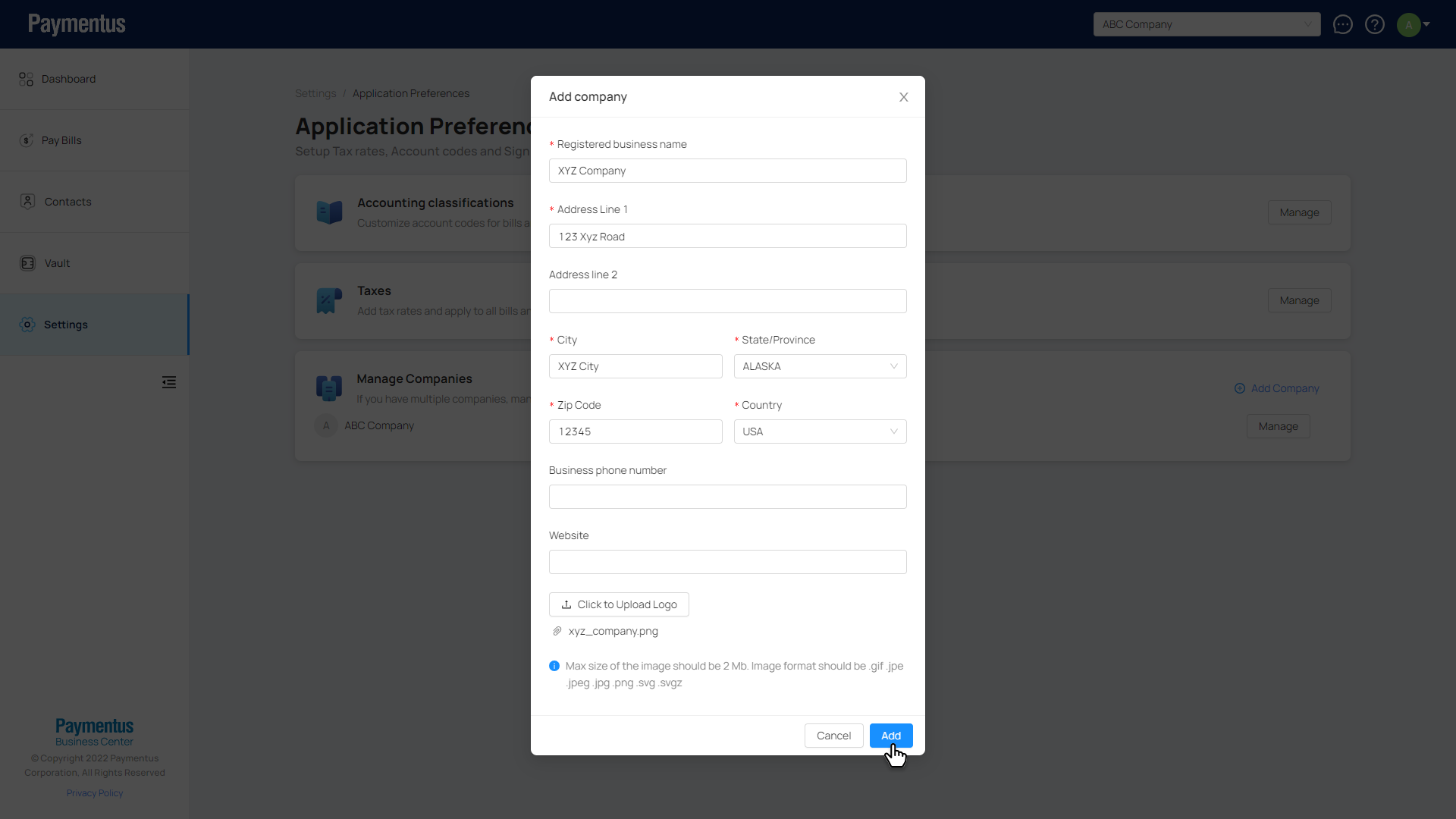
- Fill out the form details for your new company and click Add.
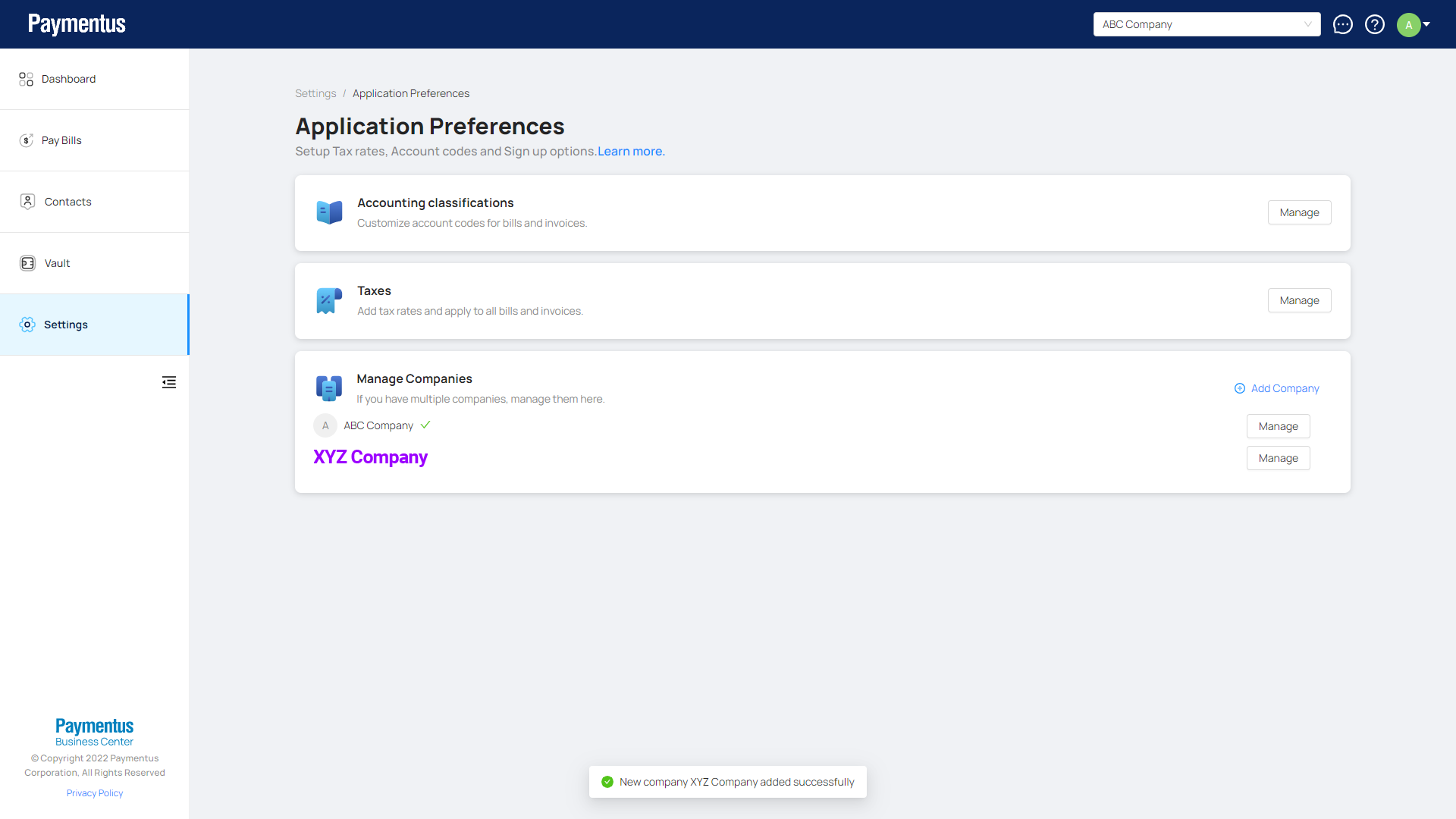
- Your new company is added.
- Click on Settings.
2. How do I switch between companies?
There are two ways to switch between your companies.
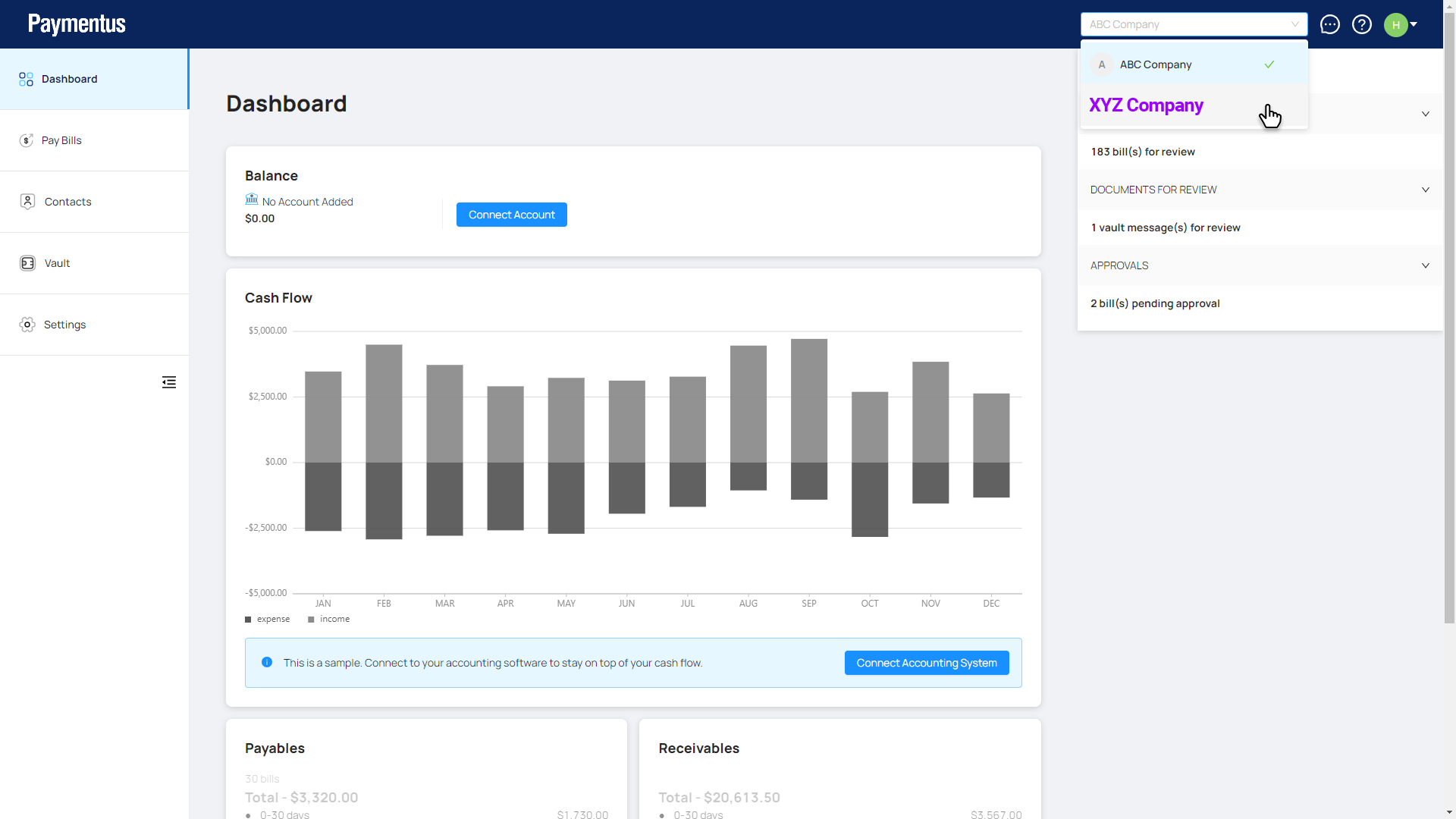
- You can switch companies by clicking on the top right dropdown and then select the company to switch to.
You have switched companies.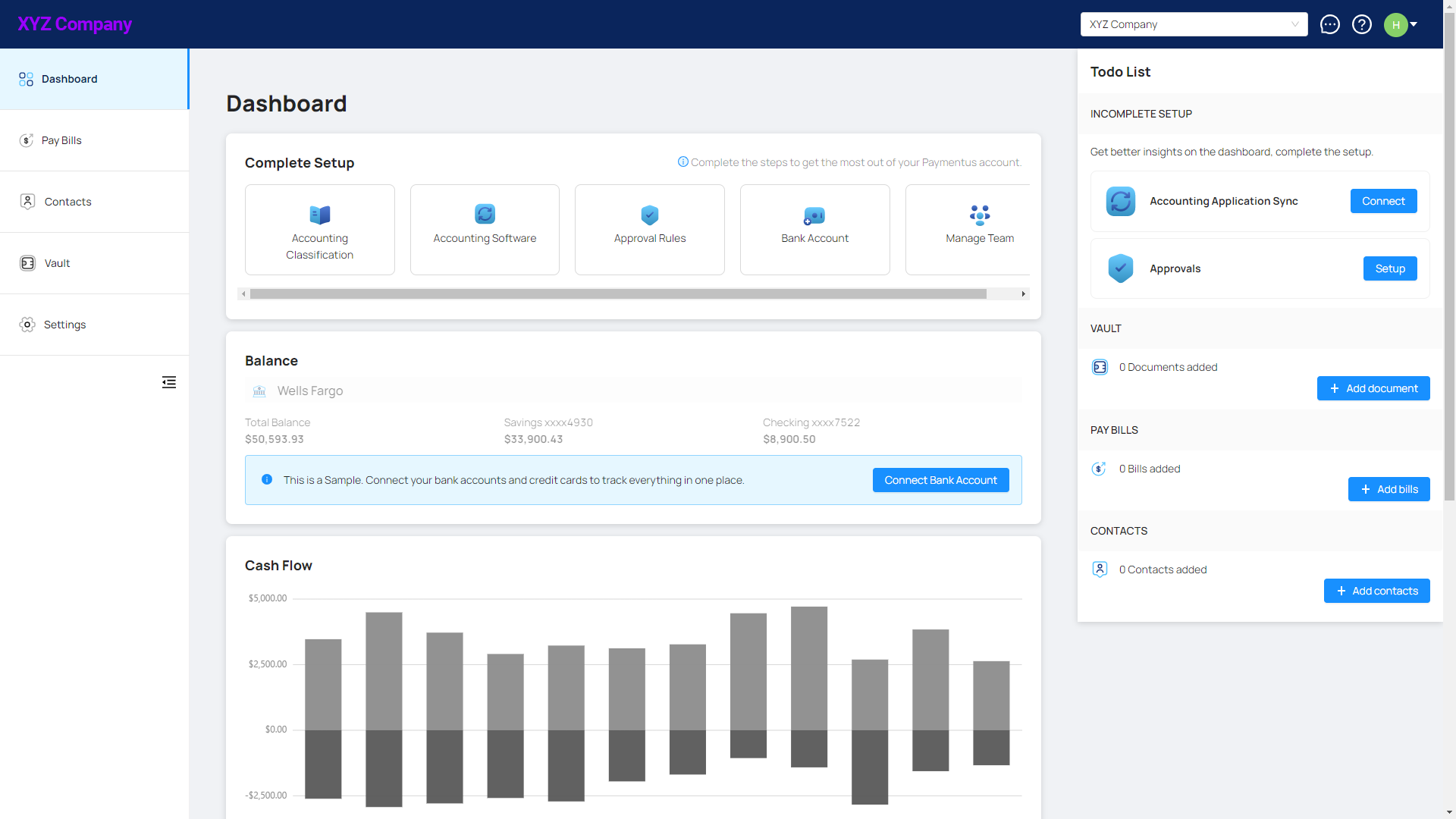
- The other way is by going to Settings > Application Preferences page. Click on the company you want to switch to in the Manage Companies card.
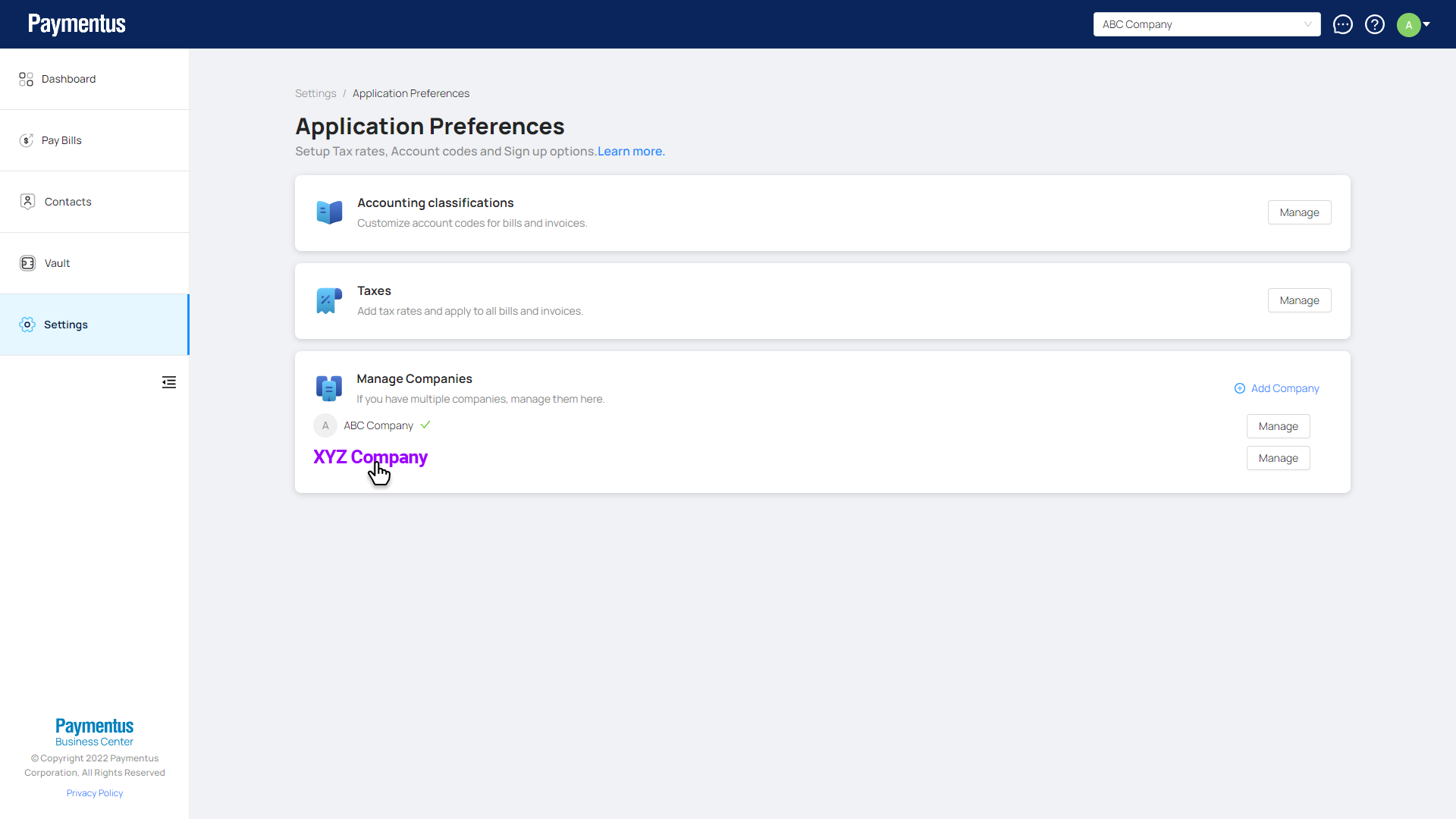
You have switched companies.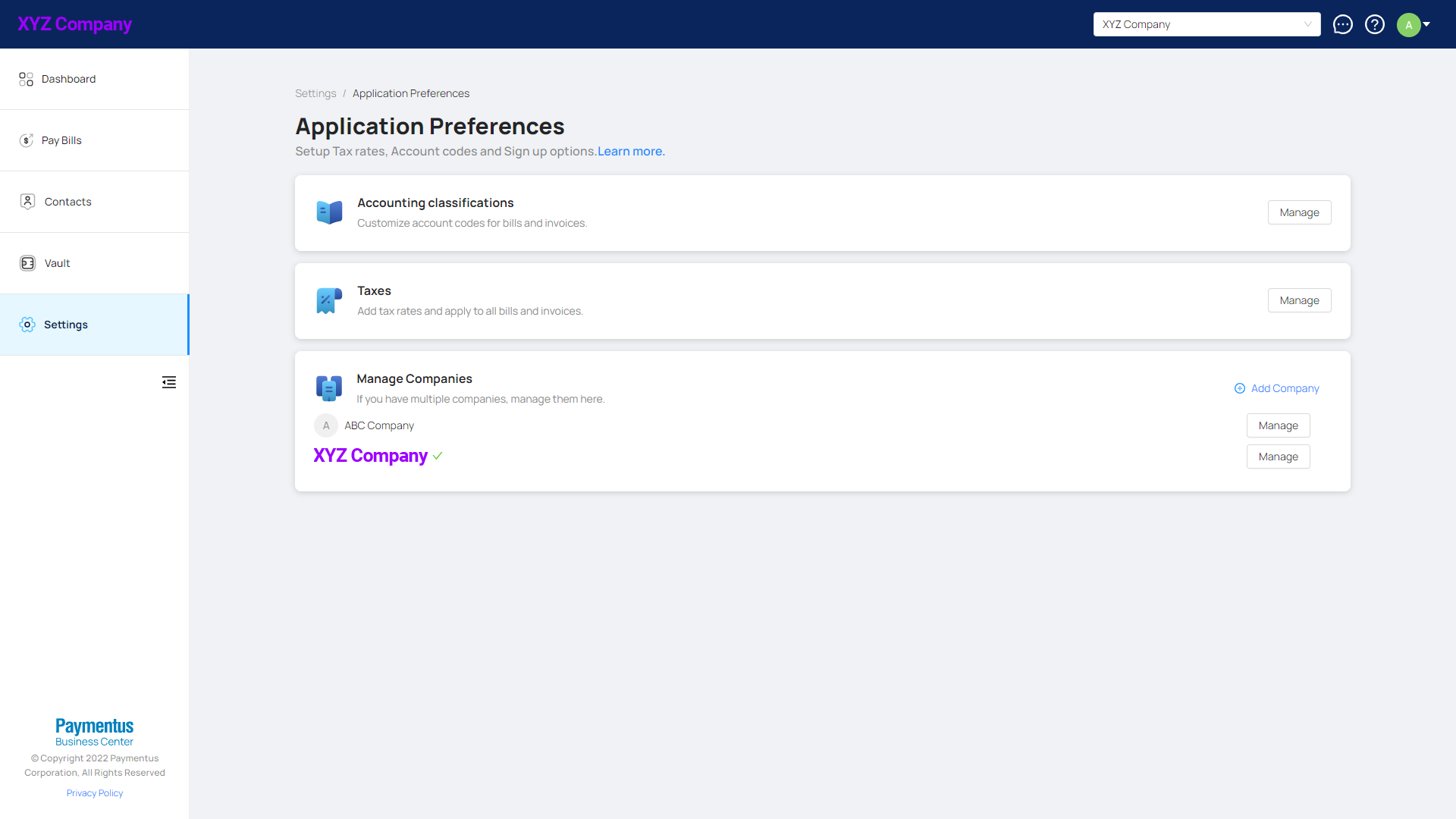
Comments
0 comments
Please sign in to leave a comment.