When you sync your account with QuickBooks Online, you'll be able to import all of your vendors and send bills ready to be paid directly to your QuickBooks Online account.
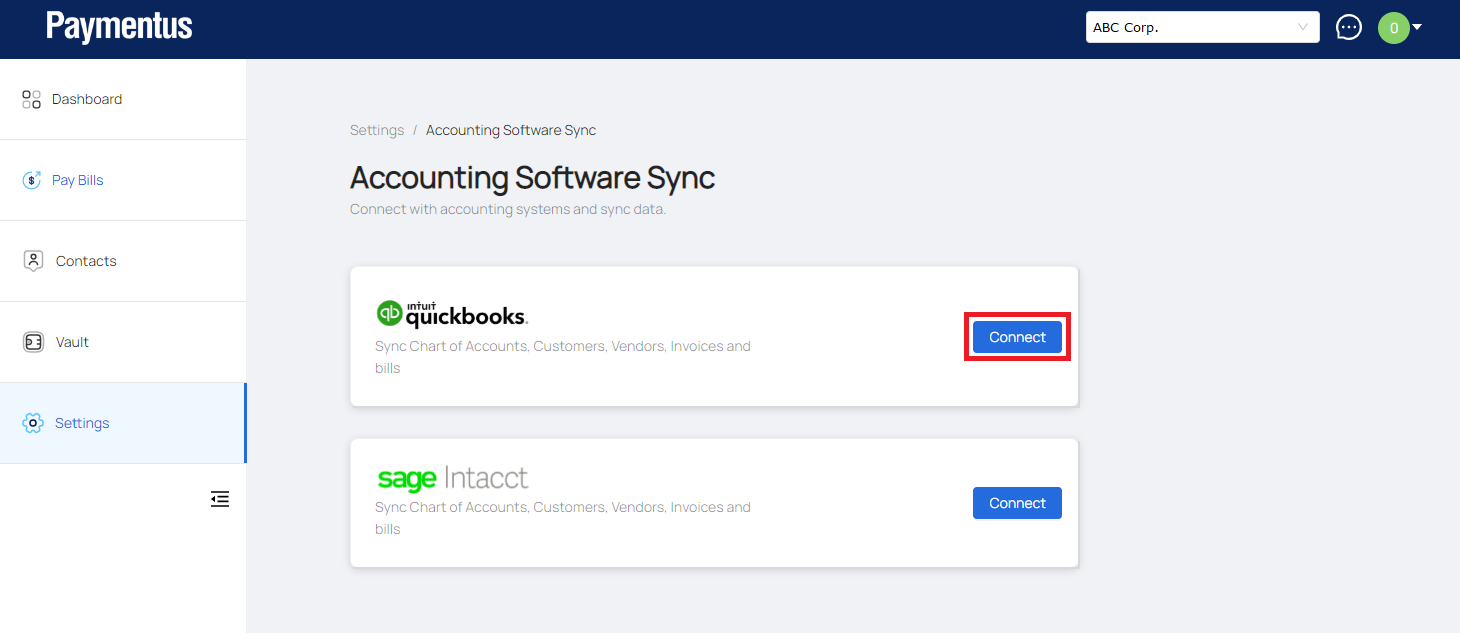
- Sign in to your Paymentus account and go to Settings > Accounting Software Syncs and click Connect to Intuit QuickBooks.
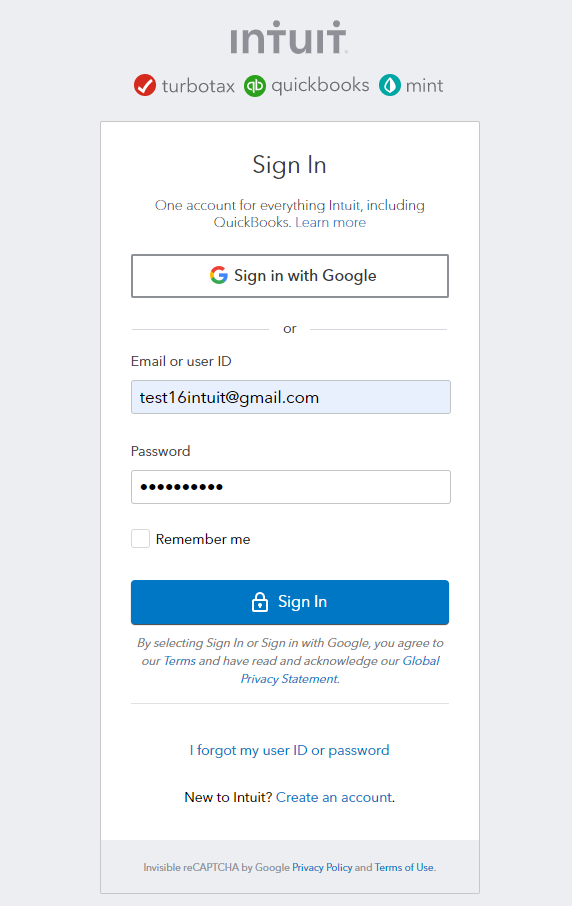
- You'll be taken to a quickbooks "Sign In" page. Enter your quickbooks login information to proceed.
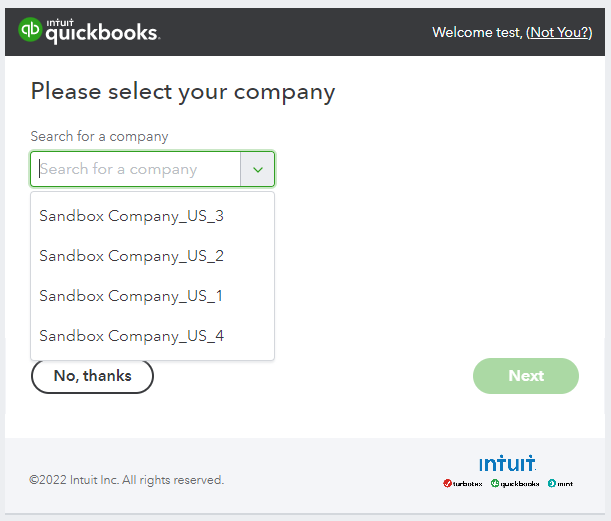
- In case you have more than one company setup in quickbooks, select the one you want to connect with Profit
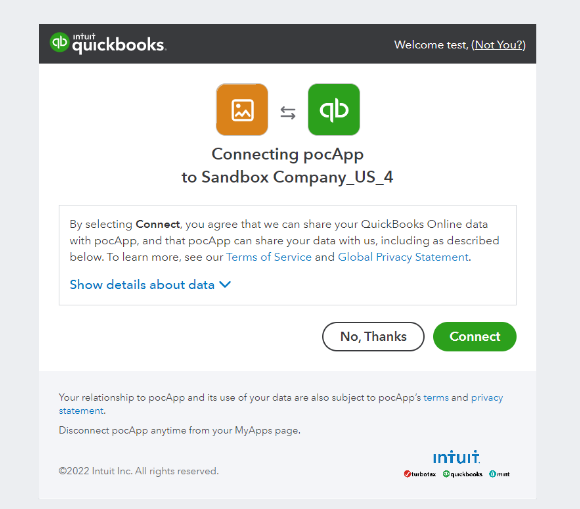
- Allow the quickbooks to connect to Profit application.
- That’s it! Profit will sync charts of Accounts, Vendors and Bills with quickbooks.
You can view the synced details by clicking on the Sync Details button.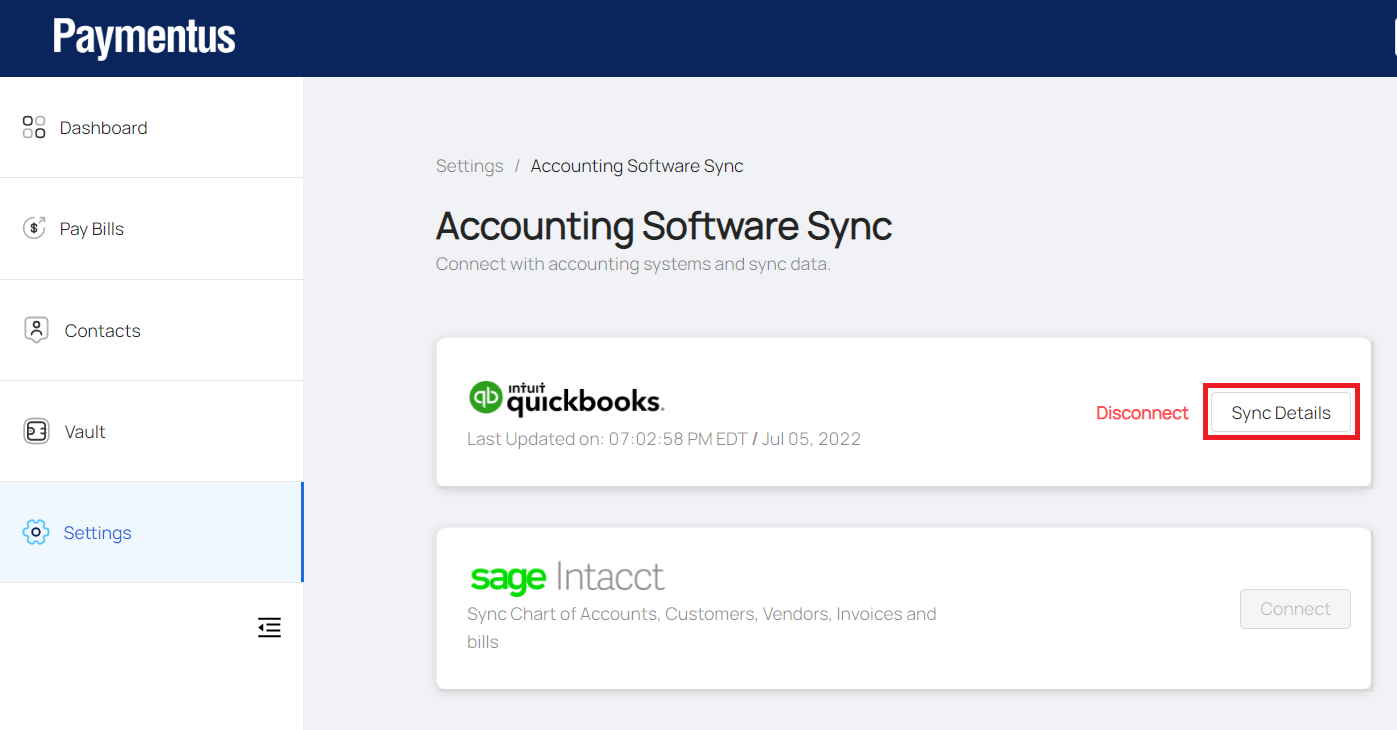
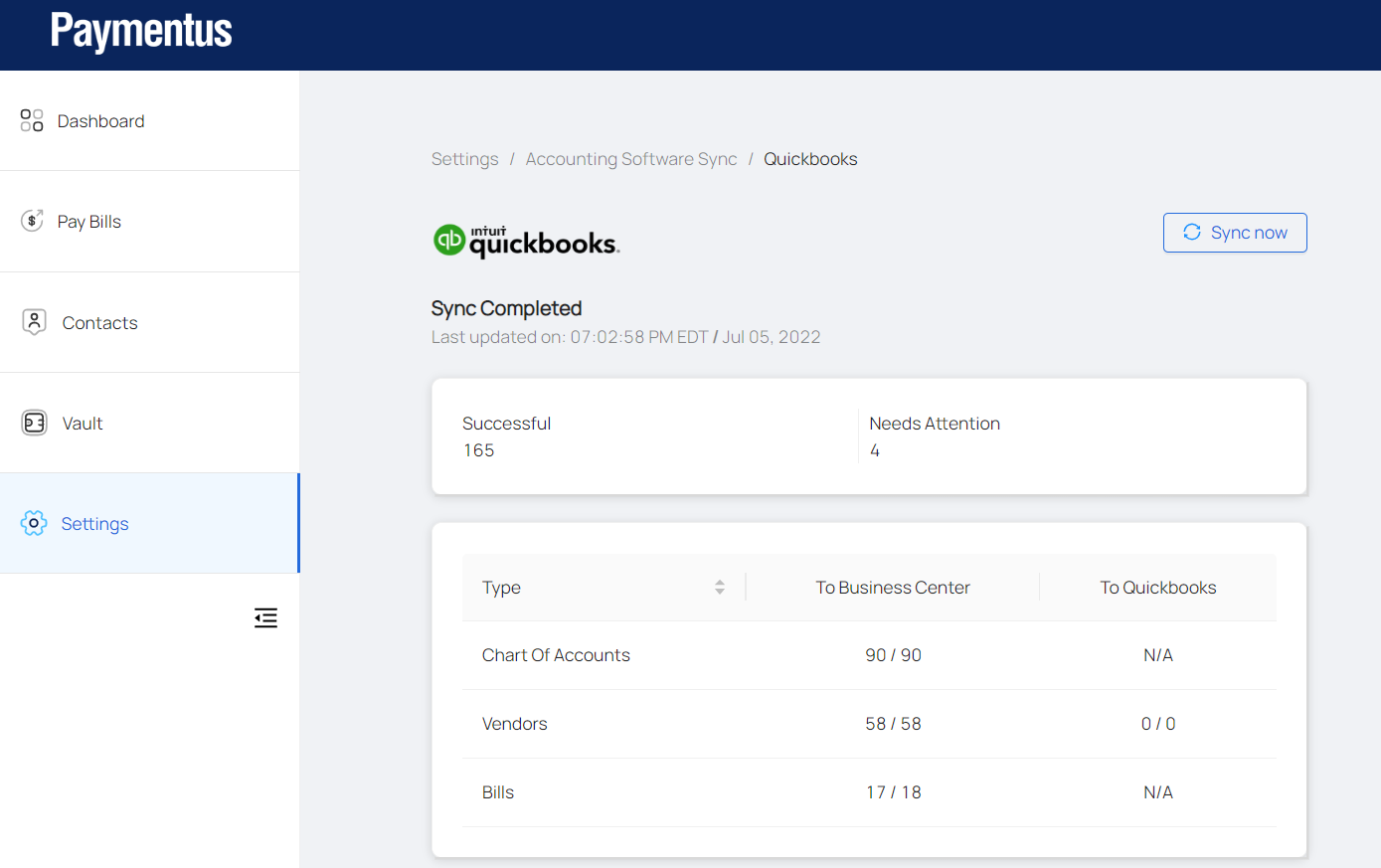
- Profit auto-syncs daily, but you can force a manual sync anytime by clicking into Settings > Accounting Software Sync > Sync Now.
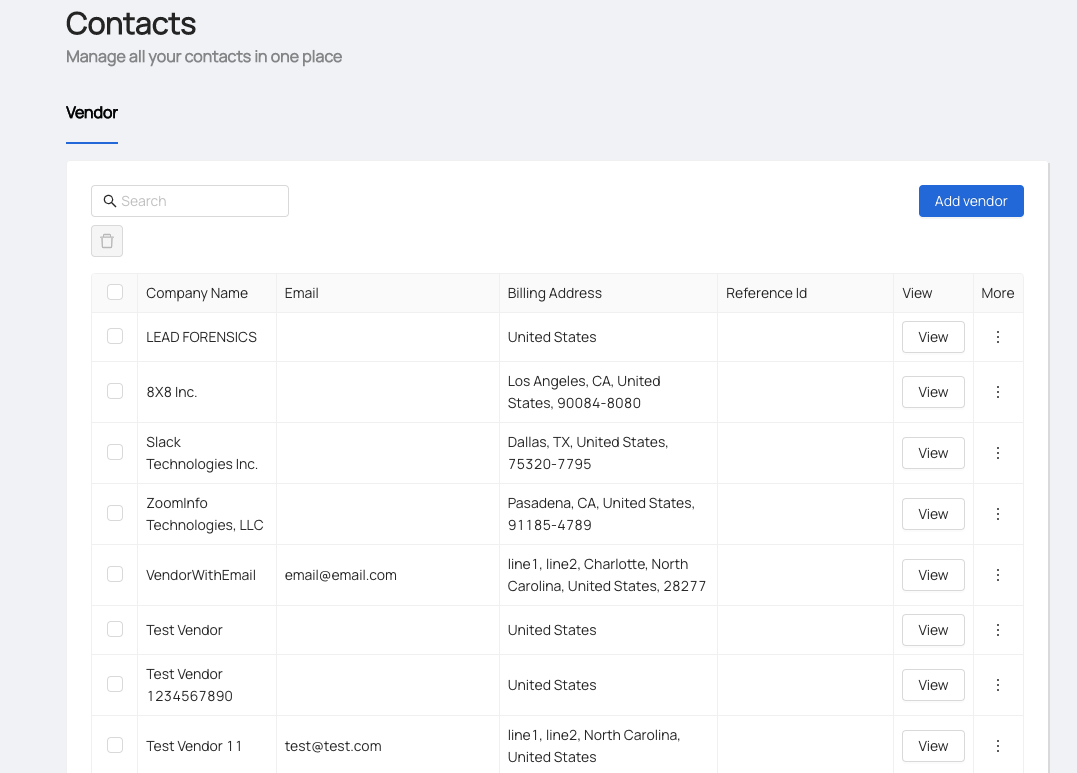
- You’ll see all your imported vendors under Contacts > Vendors. Any new vendors you add to Profit will be synced to quickbooks.
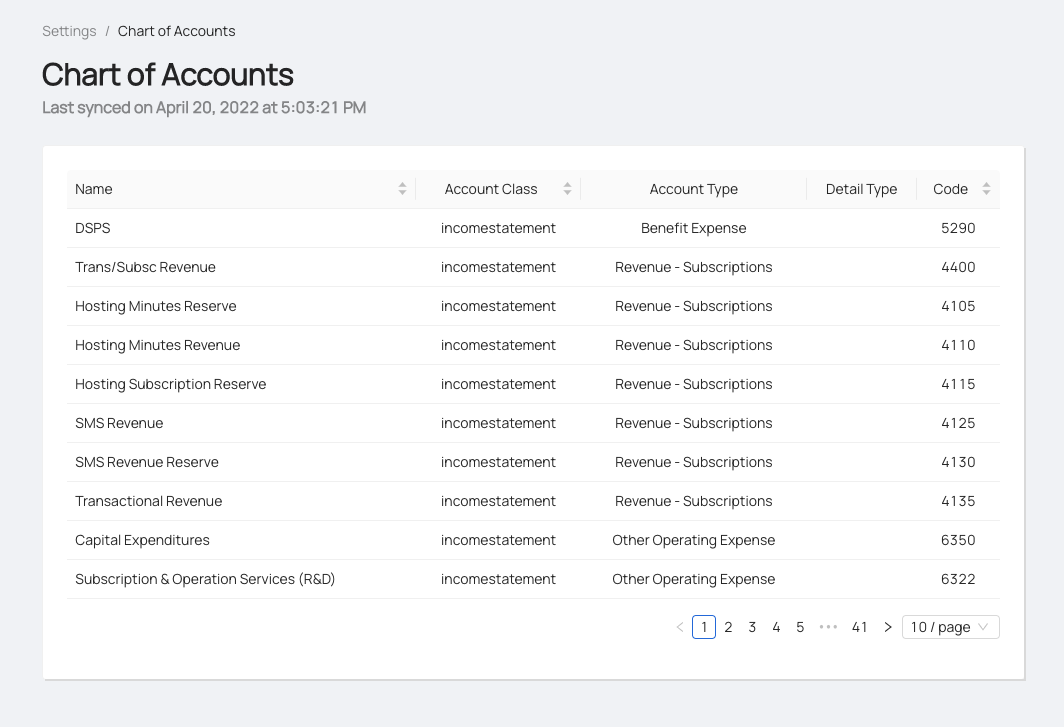
- You’ll see the imported chart of accounts under Settings > Chart of Accounts. You can’t add or change the Chart of Accounts in Profit.
Comments
0 comments
Please sign in to leave a comment.